Before & After Dental Photos: Legal & Safe Rules

Before and after photos sell dentistry better than almost anything else. A patient can read about veneers all day. But when they see a real smile transform, that’s when they pick up the phone. The problem? Most dental offices take these photos in a way that’s inconsistent, legally risky, or gets flagged the moment it hits Instagram.
You don’t need a photography degree to fix this. You need a simple setup, a consent form, and a few rules you follow every single time. Let’s walk through exactly how to take photos in your dental office that look professional, keep you out of legal trouble, and actually get seen online.
Why Do Before and After Photos Matter So Much for a Dental Practice?
Before and after photos are proof. They show a prospective patient what you can actually do, using people who look like them. That builds trust faster than any paragraph of copy.
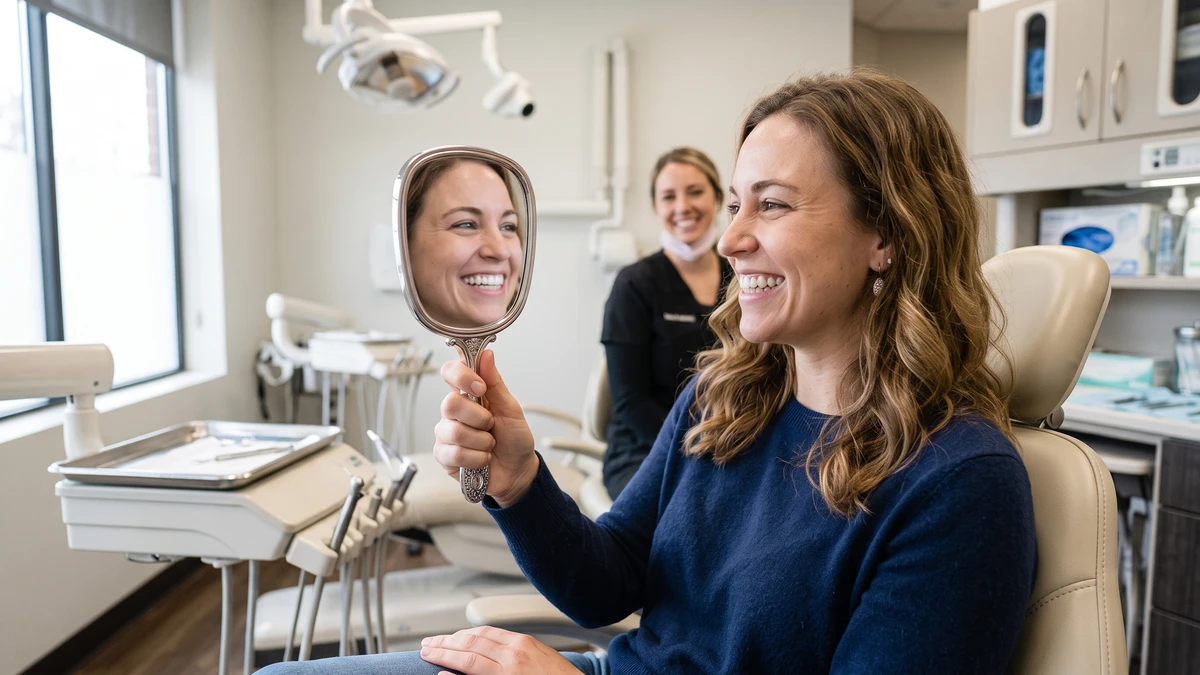
Think about the patient who’s been hiding a chipped front tooth for years. They’re not searching for “composite bonding.” They’re searching for a result. When they land on your website or Instagram and see a smile that reminds them of their own, you’ve made the sale before they ever call.
Here’s what good before and after photos do for your practice:
- Show real results from real cases, not stock photos
- Give nervous patients the confidence to book
- Set you apart from the office down the street using generic marketing
- Give you endless content for your website, social media, and consults
But a blurry photo with yellow lighting and a different angle on each side does the opposite. It makes great work look mediocre. So let’s get the setup right.
What Do You Legally Need Before You Take a Single Photo?
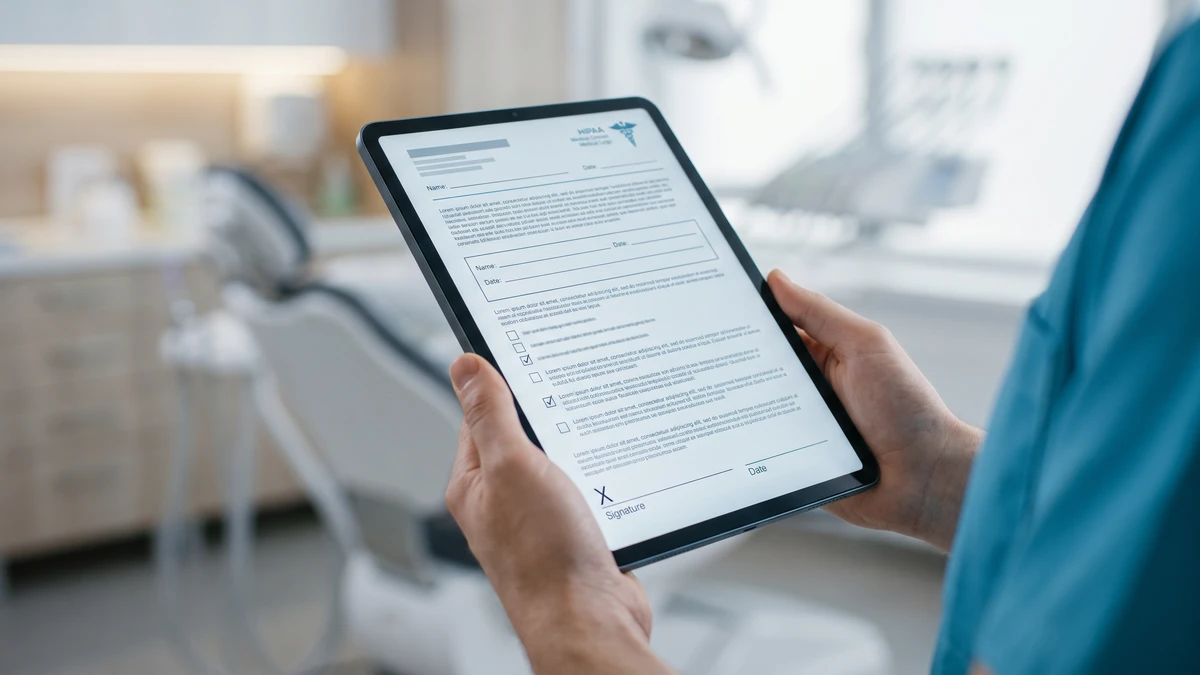
Written consent. Always. A patient photo is protected health information under HIPAA, and you cannot use it for marketing without the patient’s specific, signed permission.
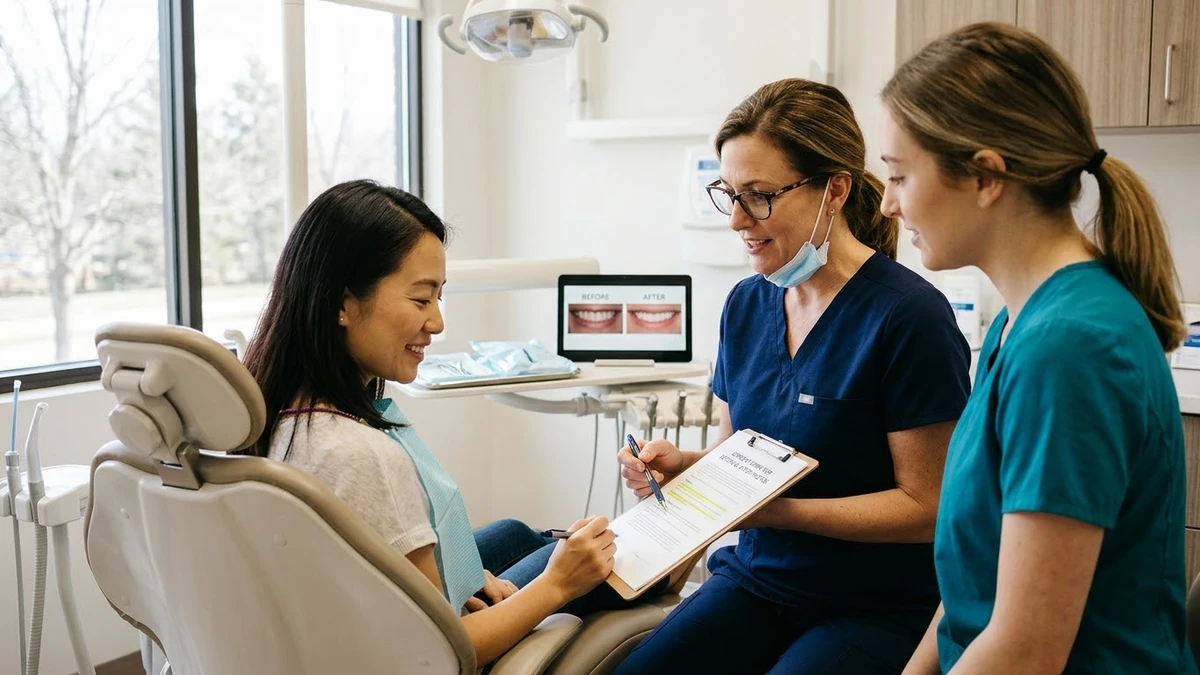
This is the part offices get wrong most often. A patient saying “sure, go ahead” at the chair is not enough. You need it in writing, and the form needs to spell out exactly how the photo will be used.
Your photo consent form should clearly state:
- That the photos may be used for marketing (website, social media, ads, print)
- That the patient can revoke consent in writing at any time
- Whether the patient will be identified by name (most say no)
- That there’s no payment or treatment condition tied to signing
- A signature line and date
Keep the signed form in the patient’s record. If you ever use a photo, you want to be able to point to that form in seconds.
One more thing people forget: revoking consent. If a patient asks you to take their photo down, you have to actually do it. That means pulling it from your website, your Instagram, your Facebook, and any ad campaigns. Build a simple log so you know where each patient’s photo lives.
A Plain-English Consent Line You Can Add to Your Form
Here’s wording you can hand to your attorney or compliance person as a starting point. Don’t use it blindly, but it gives you a head start:
“I give [Practice Name] permission to use photographs of my teeth, mouth, and smile for marketing purposes, including the practice website, social media accounts, printed materials, and paid advertising. I understand these photos will not include my full name unless I provide separate written permission. I understand I can withdraw this permission at any time by notifying the practice in writing. I understand my treatment and care are in no way affected by whether I sign this form.”
Have a real attorney review your final version. Rules vary, and you want this right.
What Camera and Setup Do You Actually Need?
You don’t need a $2,000 camera. A recent smartphone takes photos clean enough for social media and your website. What matters far more than the camera is consistency and lighting.
The single biggest mistake is taking the “before” one way and the “after” another. Different angle, different lighting, different distance. That inconsistency makes the comparison look fake, even when the work is spectacular.
Here’s a starter kit that fits almost any budget:
- A smartphone or a basic DSLR. A newer phone is fine to start.
- A ring light or two soft side lights. This is the biggest upgrade you can make. Ceiling operatory light creates shadows and yellow tones.
- Cheek retractors. You already have these. Clean ones for clinical close-ups.
- A plain, neutral background. A gray or black backdrop behind the patient’s head removes clutter.
- A simple photo mirror set if you want occlusal and lingual views.
Set this up in one operatory and leave it. When the setup is a hassle to recreate, nobody uses it. Make it a two-minute task, not a production.
How Do You Make the Before and After Match?
Shoot both photos the exact same way. Same distance, same angle, same lighting, same retraction, same background. The only thing that should change is the teeth.
This is where a written protocol saves you. Tape a simple card to your photo station so whoever takes the shot follows the same steps every time. Here’s a protocol you can copy:
- Seat the patient in the same chair position each time.
- Use the same lighting setup. Turn off the overhead operatory light if it clashes.
- Stand at the same distance. Mark it with tape on the floor if you have to.
- Use retractors for clinical shots. Have the patient relax into a natural smile for “social” shots.
- Take a full-face smile, a close-up smile, and a retracted view.
- Keep the camera level and centered. No tilting.
- Shoot two or three of each so you have options.
For the “after,” pull up the “before” on your screen and match it. Line up the angle and framing. When the two photos only differ in the teeth, the result speaks for itself.
A quick tip on timing: take the “after” after any swelling or redness has settled. A photo taken right after a long procedure can make the gums look irritated and undersell your work.
What Are the Platform Rules You Need to Know?
Social media platforms have content rules, and dental before and after photos can trip them. Clinical close-ups of mouths, blood, or surgical shots sometimes get flagged or have their reach cut as “graphic” or “medical” content.
This surprises a lot of offices. You post a stunning smile makeover, and it barely gets any views. The platform quietly limited it.
Here’s how to stay on the right side of the rules:
- Lead with the pretty shot. On Instagram and Facebook, post the natural smile comparison, not the retracted clinical close-up. Save the clinical views for your website.
- Avoid blood and surgical images on social. Extractions, sutures, and surgical sites often get flagged. Keep those for case presentations and professional groups.
- Don’t make medical claims in the caption. Describe the result, not a guaranteed outcome. “Guaranteed” and “permanent” and “painless” language can cause problems.
- Add context, not just the image. A short caption explaining the treatment reads as educational, which platforms favor.
Google has rules too. If you run ads, their healthcare and medicine policies restrict certain before and after imagery. For organic posts you have more freedom, but keep clinical gore off public-facing pages.
And remember your Google Business Profile (your free business listing that shows up in Google Maps and search). You can post photos there, and smile results do well. Just keep them tasteful and non-clinical. If you’ve had profile trouble before, this guide on fixing a suspended Google Business Profile is worth a look before you start posting heavily.
How Do You Store and Organize Your Photos So You Can Actually Find Them?
Keep photos in a dedicated, secure, HIPAA-compliant folder, organized by patient and date, with a note on consent status. Because the best before and after photo is useless if you can’t find it, or worse, if you use one without consent.
Don’t keep marketing photos loose on a staff member’s personal phone. That’s a HIPAA risk and an organizational mess. Move them into your secure practice system or a compliant cloud storage the same day.
A simple naming system works wonders. Try: LastName_FirstInitial_Procedure_Before/After_Date. For example, Smith_J_Veneers_After_2024-03-15.
Build a tracking sheet with these columns:
- Patient name and chart number
- Procedure
- Date photos taken
- Consent signed? (yes/no, and where it’s filed)
- Where the photo is used (website, Instagram, ad)
That last column is gold. When a patient revokes consent, you open the sheet, see exactly where their photo lives, and pull it everywhere in minutes.
How Do You Build the Habit So Photos Actually Get Taken?
Make it part of the clinical routine, assign one person to own it, and keep the setup permanent. The reason most offices have five great cases a year instead of fifty isn’t skill. It’s that nobody remembers to grab the camera.
Here’s how to make it automatic:
- Add “photos” to your treatment checklist. For cosmetic and restorative cases, make the “before” photo a step that can’t be skipped.
- Assign an owner. Pick one assistant or hygienist who’s responsible for photos. When it’s everyone’s job, it’s no one’s job.
- Flag the “after” at scheduling. When you book the follow-up or delivery appointment, add a note to capture the “after” shot.
- Review photos monthly. Spend 20 minutes picking the best cases to post. Batch your content so you’re not scrambling daily.
Consistency here pays off the same way consistency does with patient communication. The practices that win are the ones with simple systems they run every time, whether that’s photos or text templates for rebooking no-shows. Small routines, repeated, build your whole marketing engine.
Frequently Asked Questions
Can I post a patient’s before and after photo if they verbally agreed?
No. Verbal agreement isn’t enough for marketing use. You need written, signed consent that specifically allows marketing use across your website, social media, and ads. Keep the signed form in the patient’s record.
Do I need an expensive camera to take good dental photos?
No. A recent smartphone works well for social media and your website. Spend your money on good lighting and a plain background instead. Consistency between your before and after shots matters far more than the camera.
Why do my dental photos get low reach on Instagram and Facebook?
Platforms often limit clinical or graphic medical content. Lead with the natural smile comparison instead of retracted close-ups, keep blood and surgical images off social, and avoid guaranteed-outcome language in captions.
What do I do if a patient wants their photo removed?
Remove it everywhere it appears, as soon as possible. That means your website, every social account, and any running ads. A tracking sheet showing where each photo is used makes this quick.
Where should I store patient marketing photos?
In a secure, HIPAA-compliant system, never on a staff member’s personal phone. Organize photos by patient, date, and procedure, and note consent status so you can find and manage them easily.
Grab Our Free Dental Photo Consent & Setup Kit
Get a ready-to-customize photo consent form, a printable shoot protocol card for your operatory, and a photo tracking sheet. Everything you need to start taking consistent, compliant before and after photos this week.