Fix Mismatched Dental Practice Addresses Online

You Googled your own practice one afternoon and something felt off. Google shows your suite number. Yelp drops the suite. Healthgrades has the old address from before you moved. Now you’re wondering how many patients drove to the wrong door.
Take a breath. This is fixable, and it’s more common than you’d think. Let’s walk through exactly what to do, in order, so a new patient never ends up in the wrong parking lot again.
Why Do My Practice Addresses Say Different Things on Different Sites?
Because every one of those sites pulled your info from a different place at a different time. Google might have your latest details. Yelp could be showing something a patient typed in years ago. Healthgrades often imports data from insurance directories that lag behind reality.
None of these sites talk to each other. There’s no master switch that updates them all at once. Each listing lives on its own, and each one has to be fixed on its own.
Here’s the part that matters for your practice. When your name, address, and phone number don’t match across the web, two bad things happen:
- Patients get confused and sometimes go to the wrong place.
- Google trusts your business less, which can quietly push you down in local search results.
Marketers call your name, address, and phone number your “NAP.” When those three things match everywhere, that’s called NAP consistency. It’s one of the least glamorous parts of dental practice marketing, and one of the most important.
What Exactly Is a “Citation” and Why Does It Matter?
A citation is any place online that mentions your practice’s name, address, and phone number. Your Google listing is a citation. So is your Yelp page, your Healthgrades profile, your Facebook page, and dozens of directories you’ve probably never visited.
Google reads all of these to decide two things: is this a real business, and can it be trusted to show to searchers? When ten sites agree on your address and two disagree, Google gets suspicious. That doubt can cost you visibility in the map results, which is where a lot of new patients find a dentist.
So cleaning up citations isn’t busywork. It’s fixing the foundation your online visibility sits on.
Which Address Should I Actually Use Everywhere?
Pick one exact version of your address and write it down. This becomes your source of truth. Every listing gets edited to match it, letter for letter.
The details people trip over:
- Suite or unit number. Decide if you’re “Ste 200” or “Suite 200” and use the same one everywhere.
- Street abbreviations. Pick “Ave” or “Avenue” and stick with it.
- Practice name. “Smith Family Dental” and “Smith Family Dentistry” are not the same to Google. Choose one.
- Phone number. Use your main office line, formatted the same way each time.
Quick tip: check what the U.S. Postal Service says is your official address. Go to the USPS ZIP Code Lookup tool and enter your address. Use whatever format it hands back. That’s the version Google and the mapping apps consider correct.
Write your final answer on a sticky note or a doc:
Smith Family Dental, 1420 Oak Ave, Ste 200, Springfield, IL 62704, (217) 555-0134
That’s your master. Now everything gets matched to it.
How Do I Fix My Address on Google First?
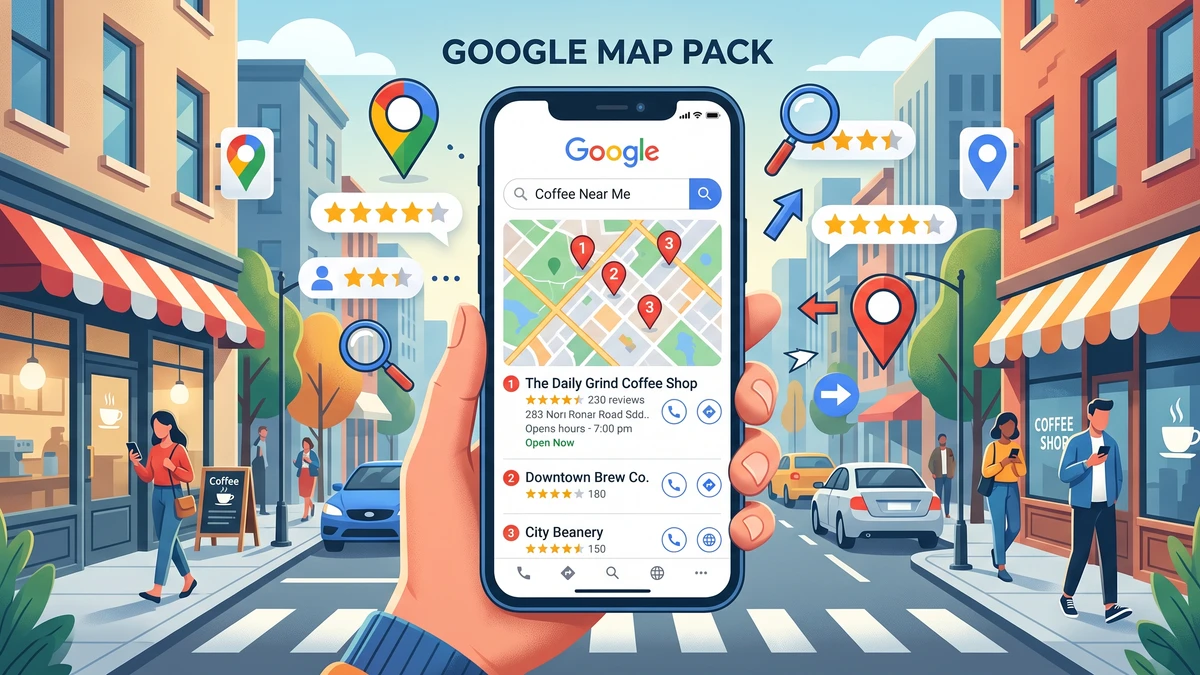
Start with Google, because it drives the most new patients. Your listing there is called your Google Business Profile, which is the free listing that shows up in Google Maps and in the local pack (those three businesses that appear with a map when someone searches “dentist near me”).
Here’s how to fix it:
- Go to google.com/business and sign in with the account that manages your listing.
- Find your practice and click into it.
- Click “Edit profile,” then the “Location” or “Address” section.
- Update the address to match your master version exactly, including the suite number.
- Save. Google may ask you to re-verify by postcard, phone, or video. Do it promptly.
Don’t have access to the listing? If someone else claimed it, or a previous marketing company set it up, click “Request access” on the profile. Google walks you through getting control back. It can take a few days, so start this early.
While you’re in there, double-check your hours and phone number too. And if you’ve ever wondered whether your phone number should match your listing exactly, it should. A mismatched number can quietly send calls into a black hole. Our guide on call tracking setup for dental offices explains how to do this without breaking your NAP consistency.
How Do I Fix My Address on Yelp?
Yelp is next. Log in at biz.yelp.com and claim your business if you haven’t already. Claiming is free, and it’s the only way to control what shows up.
Once you’re in:
- Go to “Business Information.”
- Update the address, suite number, name, and phone to match your master.
- Submit the changes.
Yelp reviews edits by hand, so changes can take a day or two to go live. If your listing is a duplicate (two Yelp pages for the same office), report the extra one using Yelp’s “Report a problem” link and ask them to merge it. Duplicates split your reviews and confuse patients, so it’s worth the effort.
How Do I Fix My Address on Healthgrades and Other Doctor Directories?
Healthgrades, Vitals, and similar sites pull a lot of their data from insurance and provider databases. That’s why they’re often the most out of date. Fixing them takes a little patience.
For Healthgrades:
- Search for your name or practice on healthgrades.com.
- Find the “Update your free profile” or “Claim your profile” link on your listing.
- Verify you’re the provider, then correct the address and details.
Here’s the catch with directories like these. Even after you fix your profile, the wrong address can creep back in because it’s tied to the address your insurance plans have on file. So there’s a second step people miss.
Call your major insurance networks and confirm your practice address in their provider directory. If they have an old suite number or a former location, the doctor directories will keep re-importing the mistake. Fix it at the insurance source and the downstream sites tend to follow.
Is There a Faster Way to Fix Dozens of Listings at Once?
Yes. If you’re staring down twenty directories and don’t have the hours, a listing management tool can push your correct info to many sites at once and keep them in sync.
These tools connect to the big data providers that feed hundreds of directories. You enter your address one time, and they distribute it out. A well-known option is Yext, which manages your listings across a large network and locks in your details so they don’t drift back to old data. Moz Local and BrightLocal do similar work, usually at a lower price point.
Is a tool worth it? It depends on your situation:
- Just moved offices or changed your name? A tool saves real time and prevents old data from reappearing.
- Only a few listings are wrong? You can probably fix them by hand in an afternoon and skip the monthly fee.
There’s no wrong answer. The goal is the same either way: one address, everywhere, matching your master.
How Long Until Everything Actually Matches?
Google usually updates within a few days once you re-verify. Yelp takes a day or two. Healthgrades and the insurance-fed directories are the slow ones. They can take several weeks, sometimes a couple of months, especially if the bad data is coming from an insurance database.
Set expectations with yourself. This is a project you kick off, then check back on. Put a reminder on your calendar for two weeks out, then again at six weeks, to search your practice and confirm things have settled.
Don’t panic if one stubborn directory still shows the old address a month later. Keep nudging it. The big three that matter most for patients are Google, Yelp, and your website. Get those rock-solid first.
How Do I Keep This From Happening Again?
The best fix is a simple habit. Once your addresses match, protect that work so it doesn’t drift out of sync the next time something changes.
Here’s a short checklist to keep on file:
- Save your master NAP (name, address, phone) in a shared doc your team can find.
- Any time you move, change your name, or get a new phone number, update Google, Yelp, and your website the same week.
- Search your own practice name once a quarter and scan the top results for anything wrong.
- When you sign up with a new insurance network, give them your exact master address.
- If you hire a marketing company, hand them the master doc so they don’t invent a new version.
One more thing worth checking while you’re cleaning house. Make sure the phone number on all these listings actually rings the right place and gets answered. A perfect address does no good if the new patient calls and hits a voicemail. If your front desk ever misses calls during busy stretches, our piece on how to stop losing new patient calls pairs well with this cleanup.
Frequently Asked Questions
Does a wrong address on Yelp really hurt my Google ranking?
Yes, indirectly. Google looks at many sites to confirm your business is legit. When Yelp and other directories disagree with your Google listing, it lowers Google’s confidence and can push you down in local results. Matching everything strengthens your position.
Should I include my suite number in my address?
Yes, if you have one. Use the exact format the USPS lists for your address, and then use that same format on every listing. Consistency matters more than the specific style you pick.
What if a previous marketing company controls my Google listing?
Use the “Request access” option on your Google Business Profile. Google will contact the current manager and give you a path to take back control. Start this early since it can take several days to resolve.
Why does the old address keep coming back on Healthgrades?
Because doctor directories often pull from insurance provider databases. If your insurance networks still list the old address, the directory will keep re-importing it. Fix it with your insurance plans to stop the loop.
Do I need a paid tool to fix my listings?
Not necessarily. If only a few listings are wrong, fix them by hand for free. A paid listing tool makes sense when you’ve recently moved or changed your name and want dozens of directories synced and protected automatically.
Get Our Free Dental Listing Cleanup Checklist
Grab the exact step-by-step checklist we use to fix mismatched addresses across Google, Yelp, Healthgrades, and the insurance directories that keep undoing your work. Print it, hand it to your team, and knock it out in an afternoon.