Dental Team Won’t Film Social Videos? Try This

You read that short-form video is the thing. You pictured fun behind-the-scenes clips, a hygienist cracking a joke, the dentist explaining a crown in 30 seconds. Then you brought it up at the morning huddle. And the room went quiet.
If your dental team flat-out refuses to appear in social media videos, you’re not failing at marketing. You’re running into one of the most normal reactions there is. Most people hate being on camera. The good news? You have way more options than you think. You can win some of them over, and you can build a great social presence without forcing anyone who truly doesn’t want to.
Let’s walk through exactly what to do.
Why Does Your Dental Team Refuse to Appear in Videos?
Usually it’s not about you or the practice. It’s self-consciousness, plain and simple. People don’t like how they look or sound on camera, and they’re worried about being judged by patients, friends, or strangers online.
When you dig into it, the resistance almost always comes down to a handful of real fears:
- “I hate how I look/sound on video.” The number one reason, by far.
- “I’ll say something dumb and it’ll be out there forever.” Fear of permanence.
- “I don’t want patients watching me outside work.” A privacy and boundary concern.
- “I’m not getting paid to be an actor.” They feel it’s outside their job.
- “I don’t have time during a packed day.” A real scheduling worry.
Here’s the part that matters. Each of those fears has a different answer. Lumping them together as “my team won’t cooperate” gets you nowhere. So before you push, find out which fear you’re actually dealing with. A quick, honest conversation beats a company-wide mandate every time.
Should You Force Your Team to Be on Camera?
No. Never make camera time mandatory. Forcing a nervous person in front of a lens produces stiff, awkward video that makes your practice look worse, not better. It also breeds resentment, and resentment shows on screen.
Think about who your warmest, most natural team members are. You probably have one or two people who’d actually enjoy it with a little encouragement. Start there. One willing hygienist who loves to talk is worth more than five people you dragged in kicking and screaming.
Instead of a blanket rule, make it an invitation. Something like: “We’re starting to post more videos. If anyone’s open to being in a few, let me know. Totally optional, and I’ll make it painless.” You’ll be surprised who raises their hand when there’s zero pressure.
How Do You Make Camera-Shy Staff More Comfortable?
Lower the stakes. Most people aren’t refusing video forever. They’re refusing the version in their head, which is a polished performance in front of a huge audience. Shrink that picture and the fear shrinks with it.
Here’s how to make it feel safe:
- Start with voice only or hands only. Film someone’s hands showing how to floss, with their voice over it. No face required. Many people say yes to this immediately.
- Let them review before you post. Promise that nothing goes up until they’ve seen it and approved it. This removes the “stuck online forever” fear fast.
- Keep clips short. Fifteen to thirty seconds. It’s a lot easier to film a 20-second clip than to “make a video.”
- Do a few throwaway takes. Tell them the first three takes won’t be used no matter what. People loosen up once the pressure of “getting it right” is gone.
- Film in pairs. Two people chatting is way easier than one person talking to a lens. The nerves split in half.
One more trick: let them pick the topic. A hygienist who’s passionate about explaining why flossing matters will forget the camera’s there. Passion beats polish on social media anyway.
What Can You Post If Nobody Wants to Be on Camera?
Plenty. Faces help, but they’re not required to build a strong social presence. You can post consistently for months without a single talking-head video if that’s where your team is.
Here are content types that need zero on-camera staff:
- Procedure close-ups. A quick, tasteful clip of a cleaning or whitening in progress, hands and tools only.
- Before-and-after photos. Whitening, Invisalign, a chipped tooth repaired. These get saved and shared more than almost anything.
- Office b-roll. A clean, calm shot of your waiting room, a new piece of equipment, fresh flowers at the desk.
- Text-on-screen tips. “3 foods that stain your teeth” with simple photos and captions. No voice, no face.
- Patient reviews turned into graphics. Pull a great Google review and put it on a clean background.
- Fun office moments. A decorated break room for a holiday, a team lunch shot from behind, a dog that visited.
- Quick product recommendations. Hold up the electric toothbrush you recommend, hands only.
You can run an entire content calendar on these. Mix them with the occasional voice-over clip, and nobody watching will notice the lack of faces. They’ll just see a practice that posts helpful, friendly stuff.
Can You Use Patients, Not Staff, in Your Videos?
Yes, and happy patients are often more persuasive than staff anyway. A real person saying “I was terrified of the dentist and now I actually look forward to it” lands harder than anything your team could script. Just be careful with the rules.
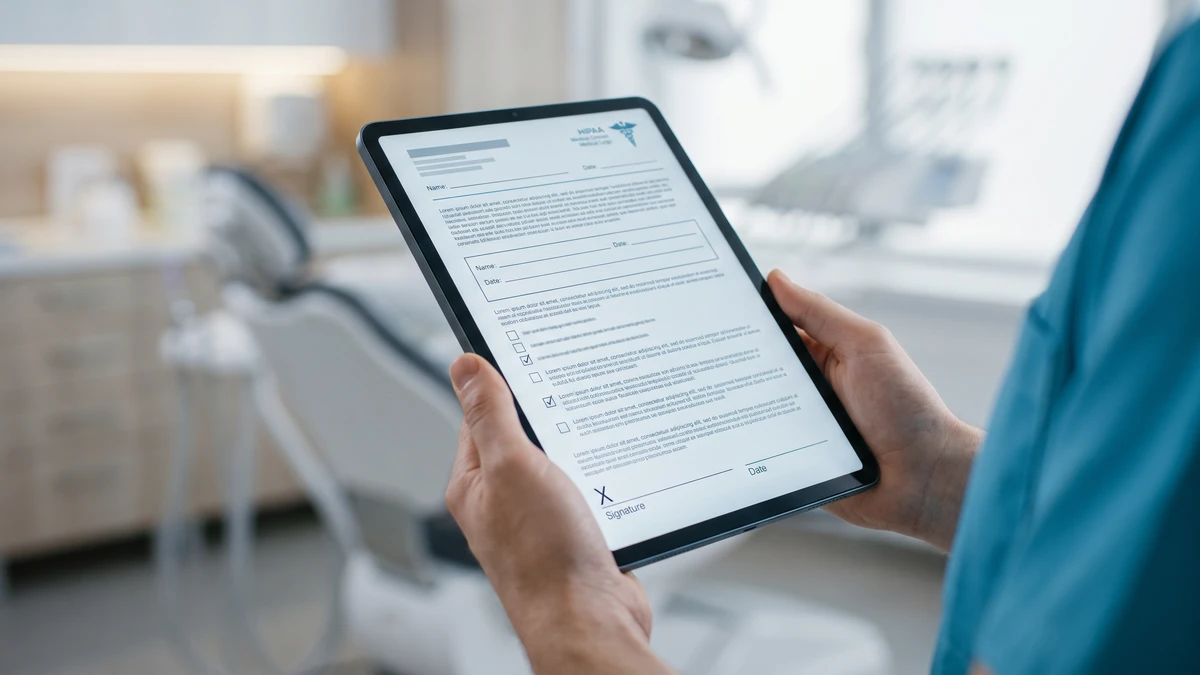
Before any patient appears in a video or photo, get written permission. Have a simple media release form at the front desk. It should state what you’ll use the footage for and where. No signed form, no posting. This protects you and respects their privacy under HIPAA.
Here’s a short script for asking a patient on the spot:
“We’d love to share a quick before-and-after of your smile on our social media. No pressure at all, and I’ll never post anything without your okay. Would you be comfortable with that? I’ve got a quick form if so.”
Most patients who are thrilled with their results say yes. Some will even offer to record a few words. When that happens, keep it short and let them speak naturally. You’re not producing a commercial. You’re capturing a genuine reaction.
How Do You Get the Owner-Dentist Comfortable on Camera?
The dentist is your single most valuable on-camera person, because people choose a practice based on trust in the doctor. If the owner is the one refusing, start with authority topics, not personality. Explaining a procedure feels safe. Being charming on command does not.
Try this approach with a camera-shy dentist:
- Film them explaining one thing they explain daily. “What’s a root canal, really?” They’ve said it a thousand times. The words come easy.
- Shoot it in the operatory, not a studio. Home turf relaxes people.
- Keep the first one under a minute. One question, one answer, done.
- Show them the view count later. Nothing melts resistance like seeing that 2,000 people watched and three of them booked.
Momentum does the rest. The first video is the hardest. By the fifth, most dentists stop thinking about the camera and start enjoying teaching. Those educational clips also do double duty by answering the same questions that tie up your front desk and your price-shopper phone calls.
What Should You Pay or Offer the Team for Being on Camera?
You don’t have to pay, but recognizing the effort goes a long way. Appearing on camera is outside most job descriptions, so treating it as a favor you appreciate, rather than a duty you expect, changes the whole dynamic.
Low-cost ways to reward participation:
- Give a shout-out at the team meeting. Public thanks for the people who stepped up.
- Run a small bonus or gift card for whoever’s clip gets the most views that month.
- Buy lunch on filming days. It turns a chore into a perk.
- Let them own a topic. “This is Sarah’s flossing series” gives pride of ownership.
Even a genuine thank-you matters. People repeat behavior they feel appreciated for. Make the willing ones glad they said yes, and others will want in.
How Do You Build a Simple Filming System the Team Won’t Dread?
Make it fast and predictable. The reason filming falls apart isn’t usually fear. It’s that it feels like a huge disruption on a busy day. Fix the logistics and the resistance often fades on its own.
A system that respects everyone’s time:
- Batch your filming. Pick one slow afternoon a month and shoot five or six clips at once.
- Keep a running idea list. Note questions patients ask so you always know what to film.
- Use a phone and a $15 tripod. No fancy gear. Good lighting from a window beats expensive equipment.
- Assign one point person. One organized team member who holds the phone and keeps it moving.
- Schedule the posting. A free scheduler like Later lets you upload a month of clips in one sitting and forget about it.
When filming takes 20 minutes once a month instead of hassling people daily, the whole tone shifts. It stops being “ugh, the video thing” and becomes a quick routine.
What If Only the Front Desk Is Comfortable on Camera?
That’s a gift, actually. The front desk is the voice patients hear first, and they tend to be warm, chatty people. Lean into them. They can host your whole social presence while the clinical team stays behind the scenes.
Front-desk-friendly video ideas:
- “Here’s what to bring to your first appointment”
- “How to check if we take your insurance”
- “A day in the life at the front desk”
- “Three things patients always ask us”
These clips answer real questions and cut down on repetitive calls. If your front desk already juggles a lot, keep an eye on the basics first. Missing calls hurts you more than missing videos ever will, so make sure you’re not losing new patient calls before you pile more on their plate.
Frequently Asked Questions
Is it legal to post videos of patients from my dental practice?
Only with written permission. Have patients sign a media release form that explains where and how you’ll use the footage. Without a signed form, posting any identifiable patient can violate HIPAA. When in doubt, don’t post.
Do I really need faces in my videos to get results?
No. Before-and-afters, procedure close-ups, text-on-screen tips, and office b-roll all perform well without a single face. Faces build trust faster, but a consistent, helpful feed works even if no staff member ever appears.
How do I convince a camera-shy dentist to try one video?
Start with a topic they explain every day, like what a crown is. Film it in the operatory, keep it under a minute, and promise they can approve it before it posts. Show them the view count afterward to build momentum.
How often should a dental practice post video?
Aim for one to three times a week, consistently. It’s better to post twice a week every week than to post daily for a month and then vanish. Batch-film once a month and schedule the clips so you never scramble.
What’s the cheapest way to start filming?
A smartphone, a $15 tripod, and a window for light. That’s it. Good natural lighting and clear audio matter far more than expensive cameras. Spend nothing until you’re sure video is working for you.
Grab Our Free No-Camera Content Calendar for Dental Practices
Even with a camera-shy team, you can post something helpful every week. We built a 30-day content calendar packed with face-free video and post ideas you can film on your phone in minutes. Steal it and start posting today.