Getting Consent for Dental Before & After Photos


Before and after photos are some of the most convincing marketing a dental practice has. A crooked smile fixed. Stained teeth turned bright. A missing tooth replaced with an implant that looks real. Nobody has to explain the value of your work when the pictures do it for you.
But there’s a catch. You can’t just snap a photo of a patient’s mouth and post it on Instagram. You need their permission, in writing, for marketing use. That’s different from the clinical photos you already take for charting.
This guide walks you through exactly how to ask, what your consent form needs to say, and how to keep the whole thing HIPAA-friendly. You’ll get a copy-paste consent form and scripts your front desk can start using this week.
Why Do You Need Written Consent for Before and After Photos?
You need written consent because a dental photo is protected health information, and using it for marketing is a separate use the patient has to approve. Taking a clinical photo for your records is covered by your normal treatment paperwork. Posting that same photo to attract new patients is not.
Under HIPAA (the federal law that protects patient health information), any use of a patient’s image for marketing requires a signed authorization. That’s not a gray area. A smile photo that can identify someone counts as their health information, even if you crop out their eyes.
So the clinical consent your patient signed on day one doesn’t cover your website, your social media, or your waiting-room slideshow. You need a specific, separate yes for that.
Here’s the good news. Most patients are happy to say yes when you ask the right way. People are proud of their new smile. They want to show it off. Your job is to make the ask easy and the form clear.
What Should a Photo Consent Form Actually Include?
A good photo consent form spells out what you’re taking, where you’ll use it, and how long the patient’s permission lasts. Vague forms get challenged later. Specific forms protect you.
At minimum, your form should cover these points:
- What’s being photographed (teeth, smile, face, or a combination)
- Where the images may be used (website, social media, printed ads, in-office displays)
- Whether the patient’s name or identifying details will be shown
- That no payment is given for the images
- How the patient can withdraw consent later
- A clear signature and date line
Be specific about platforms. “Marketing materials” is too fuzzy. “Our website, Facebook, Instagram, Google Business Profile, and printed brochures” tells the patient exactly what they’re agreeing to.
One more thing people forget. Spell out that once a photo is posted publicly, you can’t always pull it back from everywhere. If someone shares your Instagram post, that copy is out of your hands. Say so honestly. It builds trust and protects you.
A Copy-Paste Photo Consent Form You Can Use
Here’s a plain-language template. Have your office manager run it past your attorney or dental board before you roll it out, since consent rules can vary by state. Then adjust the practice name and details.
Photo and Video Consent for Marketing Use
I, _______________ (patient name), give [Practice Name] permission to take photographs and/or video of my teeth, smile, and/or face before, during, and after my dental treatment.
I understand these images may be used for marketing and educational purposes, including: the practice website, Facebook, Instagram, Google Business Profile, printed materials, and in-office displays.
Please check one: ☐ You MAY use my first name with my photos. ☐ Please do NOT use my name.
I understand I will not be paid for the use of these images. I understand that once images are posted publicly online, they may be shared or saved by others and cannot always be fully removed.
I understand I can withdraw this consent at any time by submitting a written request, and the practice will stop future use of my images and remove them from channels it controls.
Patient Signature: _______________ Date: _______
Parent/Guardian (if patient is a minor): _______________ Date: _______
Keep the signed form in the patient’s file. Store a digital copy too. If anyone ever questions a photo, you can produce the signed authorization in seconds.
When Is the Best Time to Ask for Photo Consent?
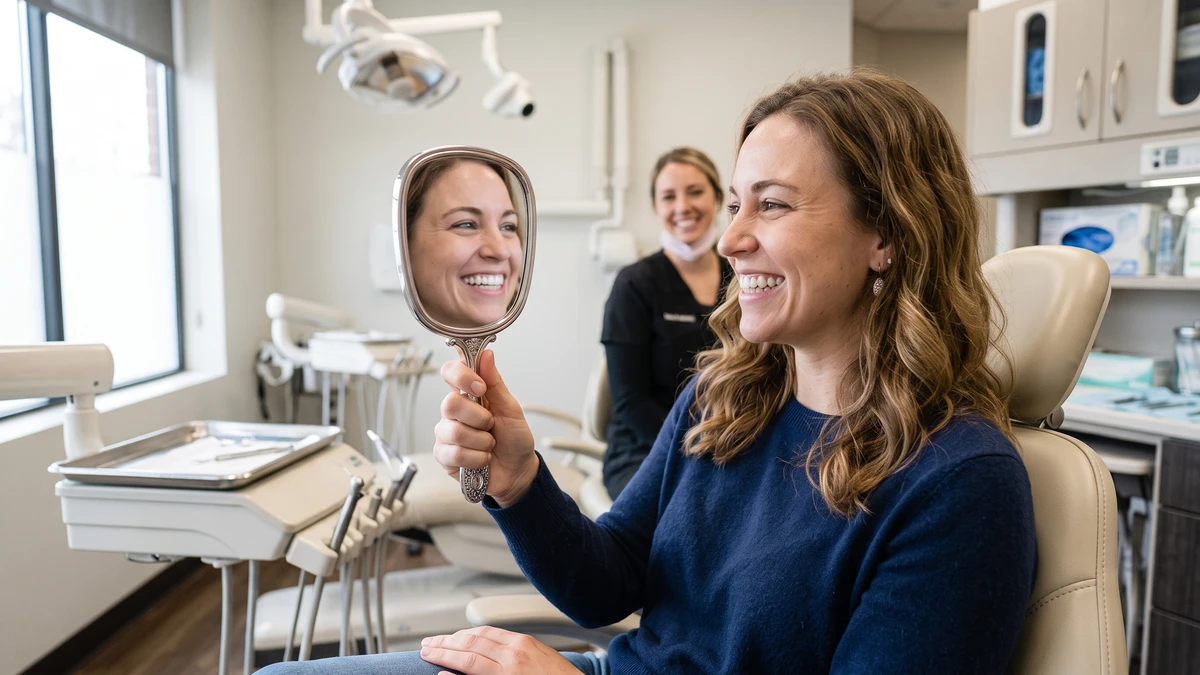
The best time to ask is right after you reveal the finished result, when the patient is thrilled and looking in the mirror. That emotional moment is when a yes comes naturally. Don’t wait a week and call them. Ask while they’re still smiling at their reflection.
The second-best time is during case acceptance, when you present a treatment plan for something like veneers, Invisalign, or an implant. You can build the photo conversation right into the plan. “We’d love to document your transformation. Here’s a quick form about that.”
Avoid asking at awkward moments. Not while someone’s numb and drooling. Not when they’re anxious before a procedure. And never pressure a patient who hesitates. A reluctant yes isn’t worth the risk, and it feels gross to everyone.
Build the ask into your workflow so it doesn’t get forgotten. A simple rule works well: any cosmetic or restorative case gets a consent form in the new-patient packet, and the assistant mentions photos at the reveal.
How Do You Ask a Patient for Before and After Photos Without Being Awkward?
The trick is to frame it as a compliment, not a favor. You’re not begging for marketing material. You’re telling the patient their result is worth showing off. Lead with pride in the work and keep it light.
Here’s a script your assistant or hygienist can use at the reveal:
“Wow, look at that. You did great. Honestly, results like yours are exactly what other patients want to see. Would you be open to letting us use a photo of your smile? Totally your call, and we have a quick form that explains how we’d use it.”
If the patient seems unsure, give them an easy out and an easy middle ground:
“No pressure at all. And if you’d rather we just show the teeth and not your face, we can do that too. A lot of people prefer that.”
That last line matters. Many patients who’d never show their full face will happily let you post a close-up of just their teeth. Offering the teeth-only option turns a lot of “no thanks” into “sure.”
If you’re training a team member who’s nervous about asking, remind them: the worst answer is no, and no is fine. This is the same muscle your front desk uses when they handle price-shopper calls. A little confidence and a clear script carry the whole conversation.
What About Consent for Minors and Social Media?
For any patient under 18, a parent or legal guardian must sign the consent form. The minor can’t give valid permission on their own, even if they’re the one excited about the braces coming off. Get the guardian’s signature every time.
Be extra careful with kids online. Many parents are fine with a before-and-after at the dentist but uncomfortable seeing their child’s face on a public Instagram feed. Ask directly. Offer the teeth-only option. And consider skipping full-face shots of minors on social media even when you have consent.
Social media adds its own wrinkle. When you post to Facebook or Instagram, the platform’s terms let it use the content in certain ways. You can’t control reshares or screenshots. Your consent form should already warn patients about this, but it’s worth saying out loud too.
One practical tip. Keep a simple log of which photos have consent and for which channels. When a photo of a happy patient shows up on your Google Business Profile, you want to know instantly that it’s cleared for public use.
How Do You Store and Organize Consent Forms?
Keep every signed form in the patient’s record, backed up digitally, and tag which photos are cleared. If you can’t match a photo to its consent in under a minute, your system isn’t good enough. Treat consent forms like any other protected document.
A simple setup that works for most practices:
- Scan the signed form into the patient’s file the same day
- Name the photo files so they’re easy to trace back to a patient and date
- Keep a master spreadsheet or folder listing every patient who has consent and what they approved (face vs. teeth-only, name vs. no name)
- Never store marketing photos in a random shared folder with no tracking
Your practice management software may let you attach the signed form right to the chart. If it does, use that. The less your consent forms live in email or on someone’s desktop, the better.
Why does the organization matter so much? Because someday a patient will call and say, “Please take my photo down.” You need to honor that fast, find every place the image lives, and prove you had consent in the first place. A tidy system makes that a five-minute task instead of a panic.
What Happens If a Patient Wants Their Photo Removed Later?
If a patient withdraws consent, you remove the image from every channel you control as soon as possible and stop all future use. You don’t argue. You don’t delay. You act quickly and document that you did.
Your consent form should already explain that you’ll remove photos from channels you control. The honest limit is reshares and screenshots you can’t reach. But everything on your website, your social accounts, and your in-office slideshow is within your control. Take it down.
Here’s a simple internal process:
- Log the withdrawal request with the date and who received it
- Pull the image from your website, Google profile, and all social accounts
- Delete it from your rotating in-office displays and printed stock you still have
- Mark the patient’s consent as withdrawn in your tracking log
- Confirm back to the patient that it’s done
Handling this gracefully protects your reputation. A patient who asks to be removed and gets an easy, respectful yes stays a patient. Fumbling it turns into a bad review. Speaking of which, reliable systems for the whole patient journey, like your appointment reminder and rebooking texts, keep the relationship smooth from first call to final photo.
Should You Use Photo Consent Software or Paper Forms?
Digital consent is worth it once you’re collecting photos regularly, because it stores everything in one searchable place and timestamps every signature. Paper works fine when you’re starting out. The real issue isn’t the format. It’s whether you can find any consent form instantly.
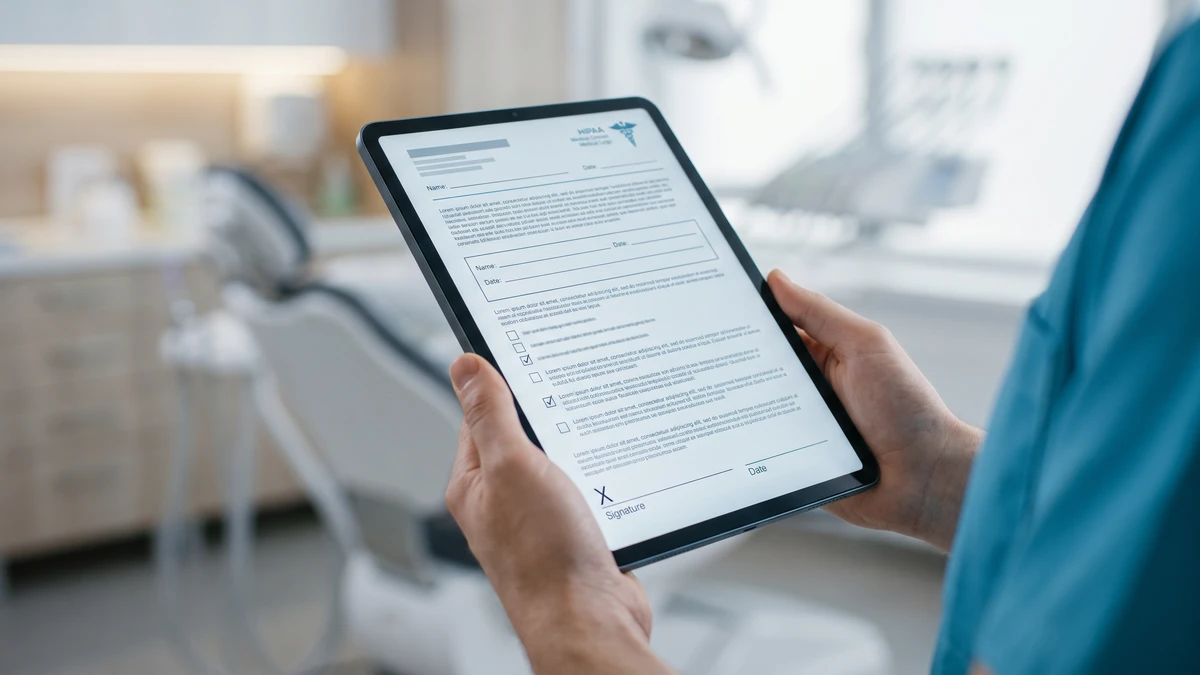
Many practices start with a simple PDF the patient signs on a tablet. Your existing patient forms platform may already handle photo consent as an add-on. If it does, add it there so the signed form lands in the chart automatically.
If you want a dedicated tool for forms and e-signatures, something like Jotform lets you build a consent form, collect a signature, and store it in the cloud with a date stamp. That timestamp matters if a question ever comes up.
Whatever you choose, the test is the same. Pick a random patient photo. Can you produce the signed consent for it in under a minute? If yes, your system is good enough. If no, tighten it up before you post another picture.
Frequently Asked Questions
Does the clinical consent my patient already signed cover marketing photos?
No. The intake paperwork that allows you to take photos for charting and treatment does not cover marketing use. Using a patient’s image to attract new patients requires a separate, specific written authorization under HIPAA.
Can I post before and after photos if I crop out the patient’s eyes?
Not without consent. Cropping the eyes doesn’t automatically make an image non-identifiable, and a smile can still identify someone. Get written consent for any photo used in marketing, cropped or not.
Do I need a parent’s signature for a teenager’s smile photos?
Yes. Any patient under 18 needs a parent or legal guardian to sign the photo consent form. The minor’s own agreement isn’t legally valid, even if they’re the one excited to share the result.
What if a patient agrees verbally but won’t sign anything?
Don’t use the photo. Verbal agreement isn’t enough protection for you or the patient. If they’re comfortable saying yes, a quick signature should be easy. No signature, no posting.
How long does photo consent last?
Generally until the patient withdraws it, as long as your form says so. State your terms clearly, and honor any withdrawal request promptly by removing the image from every channel you control.
Grab Our Free Dental Photo Consent Kit
Want the ready-to-use consent form plus the reveal-moment scripts from this article, formatted and ready to print? Download our free Patient Photo Consent Kit and start collecting before-and-after shots the right way.