Dentist Not in Google Map Pack? Fix It Fast

You typed “dentist near me” into Google to see where you rank. And your practice was nowhere. Meanwhile the office three blocks over is sitting right at the top with a little map and five gold stars. Frustrating, right?
The good news: this is fixable, and you don’t need to hire an agency to start. Most of the reasons a dental practice gets left out of the Map Pack come down to a handful of things you can check and correct yourself. Let’s walk through them.
What Is the Google Map Pack, Exactly?
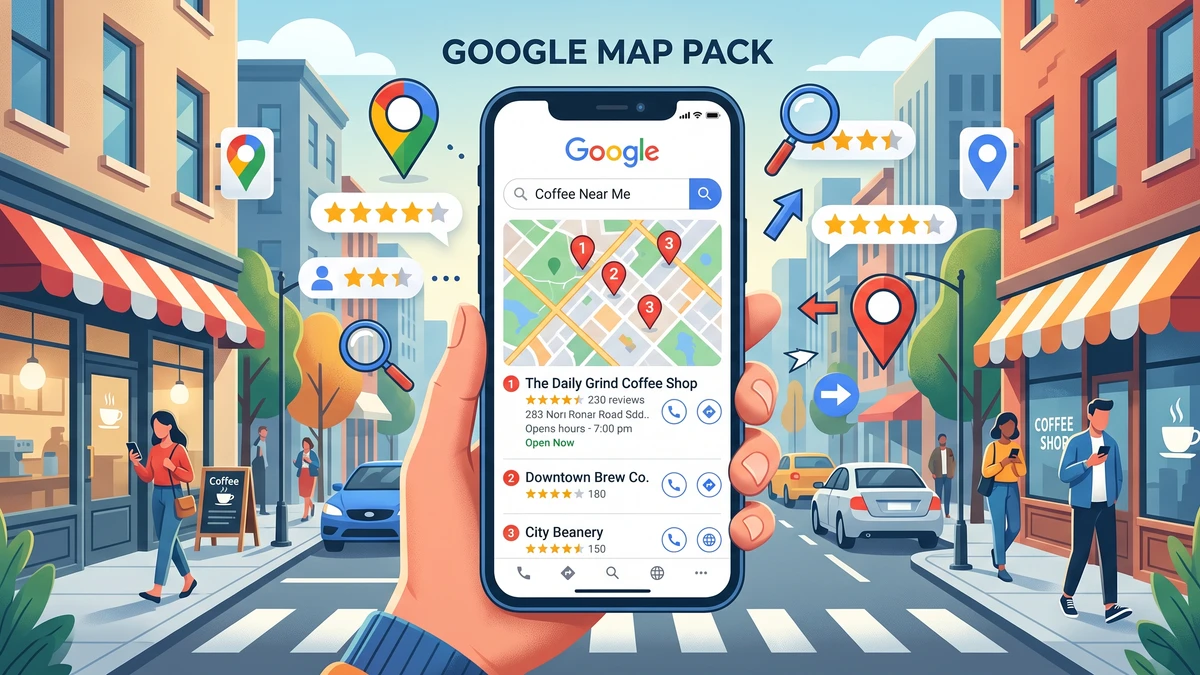
The Map Pack is that box of three local businesses with a map that shows up near the top of Google when someone searches for something local. Search “dentist near me” and you’ll see it: a map, then three practices with stars, hours, and a phone number.
It’s the most valuable real estate in local search. People who search “dentist near me” are usually ready to book. They’re not browsing. They want an appointment soon.
Getting into those three spots means new patients find you before they find your competitors. Miss it, and you’re relying on people scrolling further down or clicking “more places.” Most don’t.
Here’s the key thing to understand. The Map Pack is powered by your Google Business Profile. That’s the free listing Google gives every business, showing your name, address, phone, hours, photos, and reviews. If that profile is weak, incomplete, or unverified, you won’t rank. Everything below flows from getting that profile right.
Is Your Google Business Profile Even Claimed and Verified?
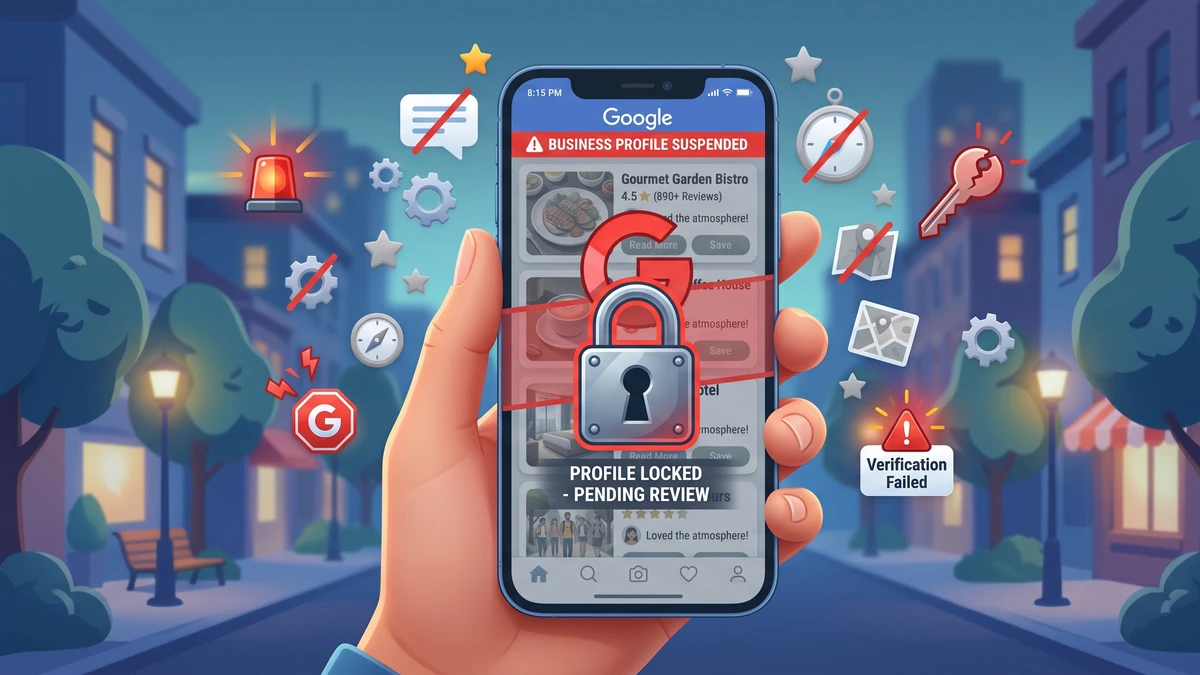
Start here, because this is the most common reason a practice is invisible. If you’ve never claimed and verified your Google Business Profile, Google may show a bare-bones auto-generated listing or none at all. An unverified profile rarely ranks in the Map Pack.
Verifying tells Google you’re the real owner and the info is trustworthy. Here’s how to check where you stand:
- Go to google.com/business and sign in with a Google account.
- Search for your practice name and address.
- If it says “claim this business,” it isn’t claimed. Claim it.
- If you already manage it, look for a “verified” badge or a prompt to verify.
Verification usually happens by postcard, phone, email, or video. The postcard takes about a week and arrives with a code you enter online. Video verification is becoming more common. You record a short walkthrough showing your signage, your front desk, and the surrounding street.
Do this before anything else. An unverified profile is like a locked front door. Nobody’s getting in.
Does Your Business Name, Address, and Phone Number Match Everywhere?
Google trusts businesses whose details are consistent across the web. If your name, address, and phone number (marketers call this your NAP) show up differently on your website, your Facebook page, Yelp, and your Google profile, Google gets confused. Confused Google doesn’t rank you.
Say your Google profile lists “Smith Family Dentistry” but your website header says “Dr. Smith Dental Care” and an old directory has your practice at a previous suite number. Those mismatches chip away at trust.
Pick one exact version of your practice info and make it identical everywhere:
- Practice name (spelled and punctuated the same way every time)
- Full street address, including suite number
- One main phone number
Then check the big spots: your website, Google Business Profile, Facebook, Yelp, your state dental association listing, and any healthcare directories like Healthgrades. Fix anything that doesn’t match. Old addresses from a past location are a big offender, so hunt those down.
One warning about phone numbers. If you use a call tracking number to see which marketing brings in calls, make sure your real main line is the one on your Google profile, or that your tracking setup is done correctly. A mismatched tracking number can hurt your local ranking if handled wrong.
Are You Too Far From the Person Searching?
Distance matters more than people expect. When someone searches “dentist near me,” Google shows practices closest to where that person is standing. So your Map Pack ranking changes depending on where the searcher is.
You might rank number one for people two blocks away and vanish for someone across town. That’s normal and mostly out of your control. What you can control is being the obvious choice within your realistic patient radius.
Here’s a mistake owners make. They search from home, ten miles away, don’t see themselves, and panic. Try searching from inside your office or near your building. If you show up there, your profile is working. The reach just has limits, which is true for everyone.
Google’s ranking rests on three things: relevance, distance, and prominence. You can’t move your building. But you can strengthen relevance and prominence, which is what the rest of this article covers.
Have You Filled Out Your Profile Completely?
A half-empty profile signals to Google that you’re not a serious, active business. Complete, detailed profiles rank better and earn more clicks. This is one of the easiest wins available to you.
Log in and fill in every field you can:
- Primary category: Set this to “Dentist.” Add secondary categories that fit, like “Cosmetic dentist,” “Pediatric dentist,” or “Emergency dental service.”
- Services: List what you actually offer. Cleanings, crowns, Invisalign, implants, teeth whitening, root canals.
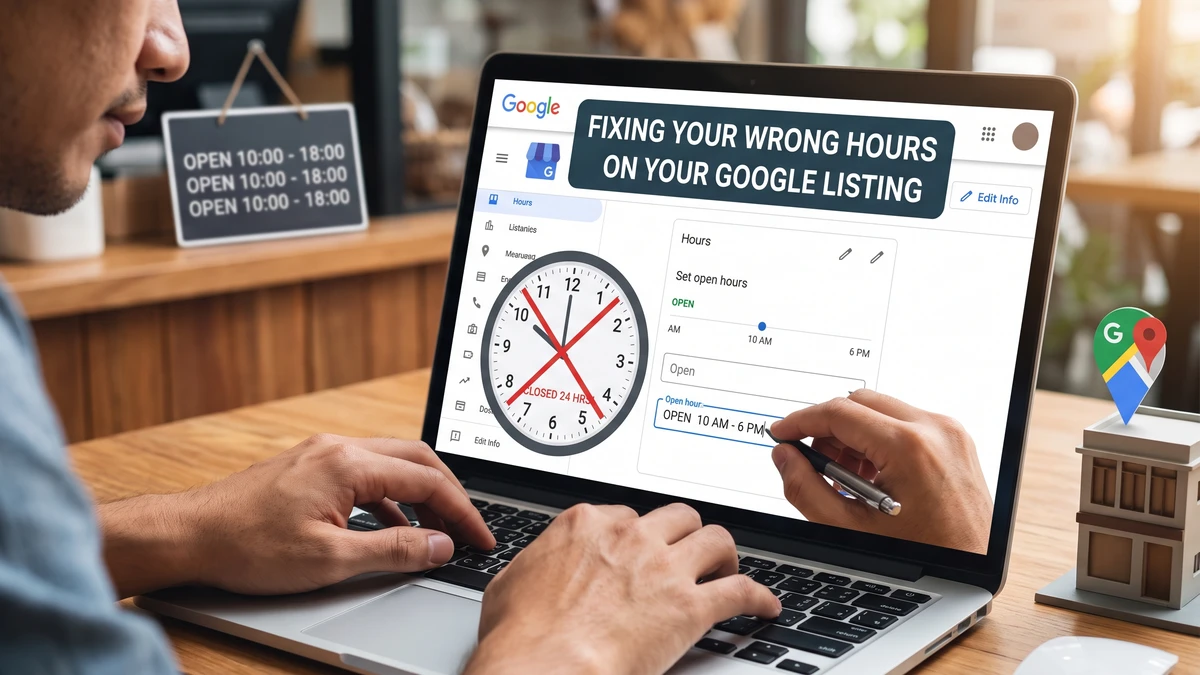
- Hours: Keep them accurate, including holiday hours. Wrong hours frustrate patients and hurt trust.
- Description: Write a clear, plain paragraph about your practice and who you help.
- Photos: Add real photos of your building exterior, your reception area, your team, and treatment rooms. Skip stock photos.
- Website and appointment links: Point these to the right pages.
Your primary category carries a lot of weight. If it’s set to something vague or wrong, fix it today. And add fresh photos every month or so. Google notices activity, and patients trust a practice they can see before they walk in.
Do You Have Enough Recent Google Reviews?
Reviews are one of the strongest signals for Map Pack ranking. Practices with more reviews, better ratings, and steady recent activity tend to outrank quieter competitors. If the office beating you has 200 reviews and you have 12, that gap is a big part of why.
It’s not just the total count. Google looks at how recent your reviews are and whether you respond to them. A practice that got 50 reviews three years ago and none since looks stale. One earning a few new reviews every week looks alive and popular.
Build a simple habit for asking. The best moment is right after a positive visit, while the patient is still at the front desk feeling good. Here’s a script your team can use:
“So glad your visit went well today! If you have a quick minute, would you mind leaving us a Google review? It really helps other families in the area find us. I can text you the link right now so it’s easy.”
Then send the direct link by text before they leave. Make it one tap. The easier you make it, the more reviews you’ll collect.
Respond to every review, good or bad. A short thank-you on the good ones and a calm, professional reply on the tough ones. This shows Google you’re active and shows future patients you care. If asking feels awkward or slips through the cracks, a review tool like Podium can automate the text requests after each appointment.
Does Your Website Back Up Your Google Profile?
Your website and your Google profile work together. Google checks your site to confirm you’re a real, relevant dental practice in your area. A weak or slow site can hold back your Map Pack ranking even when your profile looks great.
A few things to check on your website:
- Your city and services appear in the text. Your homepage and service pages should naturally mention the town or area you serve. Not stuffed awkwardly, just clearly stated.
- Your NAP is on the site. Put your name, address, and phone in the footer of every page, matching your Google profile exactly.
- The site loads fast and works on phones. Most “dentist near me” searches happen on a phone. If your site is slow or hard to use on mobile, you’ll lose both rankings and patients.
- You have a real “Contact” or “Location” page with an embedded Google map.
Think of it this way. Your Google profile makes the claim, and your website is the proof. When they line up, Google feels confident showing you.
Are You Actually Losing Patients After They Find You?
Getting into the Map Pack is only half the job. If people find you but can’t reach you, all that work is wasted. This is worth checking because it’s often the hidden leak.
When someone taps your listing, they usually call. If that call goes to voicemail, rings forever, or gets fumbled by a rushed front desk, you’ve lost the patient Google worked to send you. The office down the street picked up on the second ring.
A few common culprits worth fixing:
- Calls going to voicemail during the lunch hour, when plenty of people call.
- New patient calls handled without a clear, friendly process for booking.
- Nobody following up on missed calls.
Make sure someone answers, or that missed calls get returned fast. The Map Pack drives the click. Your phone turns it into a patient.
How Long Until You See Results?
Give it a few weeks to a couple of months. Local ranking changes aren’t instant. Once you verify your profile, fix your info, and start collecting reviews, Google needs time to notice and adjust.
The fastest wins usually come from claiming and verifying an unverified profile and fixing a wrong primary category. Those can move you within a couple of weeks. Review building and website improvements pay off more gradually but tend to stick.
Keep at it. Add photos, ask for reviews, respond to them, and keep your info accurate. The practices that dominate the Map Pack aren’t doing anything magic. They’re just doing the basics consistently while their competitors do nothing.
Frequently Asked Questions
Why do I see my practice but my patients say they don’t?
Google often shows you your own business because it knows your account and location. Ask patients to search and screenshot what they see, or use an incognito browser window from a different location to get a neutral view.
Can I pay Google to get into the Map Pack?
No. The three organic Map Pack spots can’t be bought. You can pay for Google Local Services Ads, which appear above the Map Pack, but the free listings are earned through relevance, distance, reviews, and a complete profile.
How many Google reviews does my dental practice need?
There’s no magic number. Aim to match or beat the practices already ranking near you, then keep going. Steady recent reviews matter more than a big one-time push, so build a habit of asking after every good visit.
Does having two dentists or two locations affect my ranking?
Each physical location needs its own verified Google Business Profile with its own address and phone. Don’t create duplicate profiles for the same location, since duplicates confuse Google and can suppress your ranking.
What’s the single most important fix if I only have time for one?
Claim and verify your Google Business Profile, then set your primary category to “Dentist.” Without a verified profile, nothing else you do will move you into the Map Pack.
Get Our Free Google Business Profile Checklist for Dentists
Want a simple, printable checklist that walks your team through every field, photo, and setting that helps you rank for “dentist near me”? Grab it free and start climbing the Map Pack this month.