Is Your Dental Google Profile Hijacked? Signs & Fixes

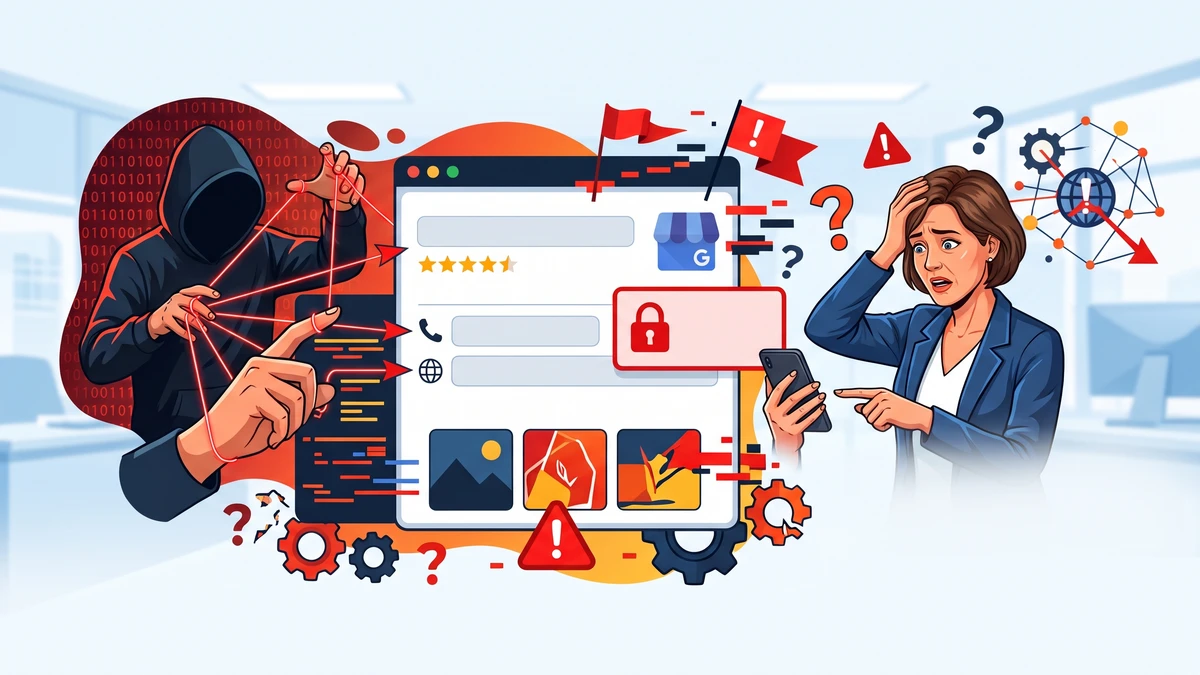
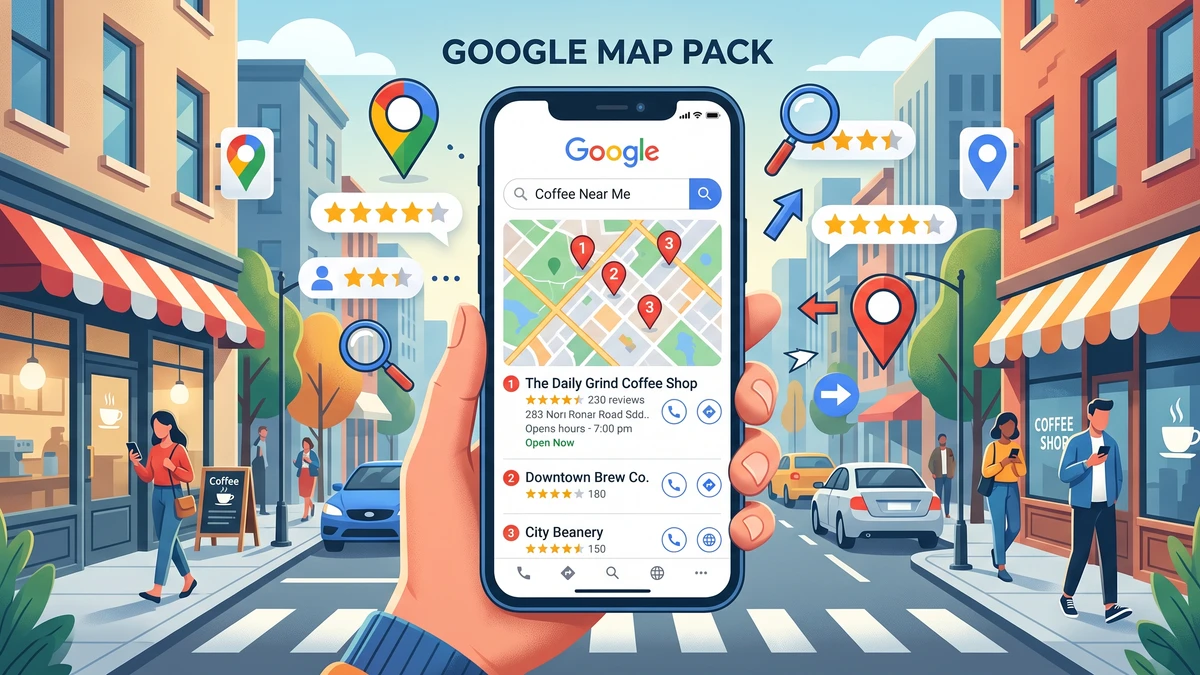
Your Google Business Profile is the free listing that shows your practice in Google Maps and Google Search. It’s often the first thing a new patient sees. Your name, phone number, hours, reviews, photos, and that big “Directions” button all live there.
So what happens when someone else takes control of it? That’s a hijacked profile. And it happens more than most dentists realize.
A hijacked profile can send patients to the wrong phone number, list you as “permanently closed,” or fill your page with spammy edits. The scary part is you often won’t get an alert. You’ll just notice the phone getting quieter. Let’s walk through how to spot the warning signs and take your listing back.
What Does It Mean When Your Google Business Profile Is Hijacked?
A hijacked profile means someone besides you or your team has gained control of, or made changes to, your Google listing without permission. Sometimes it’s a scammer. Sometimes it’s a sloppy third party. Sometimes it’s a random Google user submitting a bad “edit.”
Here’s the thing most people don’t know. Google lets the public suggest edits to any business listing. Anyone can propose a new phone number or new hours. If Google accepts that suggestion, your listing changes, and no one tells you.
Hijacking usually falls into one of these buckets:
- Ownership takeover. Someone gains access to your listing and adds themselves as an owner or manager.
- Malicious edits. A competitor or scammer changes your phone number, website, or address so calls and clicks go somewhere else.
- Fake “permanently closed” flag. Someone marks your open practice as closed to steer patients away.
- Spam and fake reviews. A flood of fake reviews (good or bad) appears from accounts with no real patient history.
Any of these can quietly drain new patients. The good news? Every one of them is fixable.
How Do You Tell If Your Google Business Profile Has Been Hijacked?
Look for changes you didn’t make and access you can’t explain. If your phone number is wrong, your hours are off, or you suddenly can’t log in, treat it as a red flag and dig deeper.
Run through this quick checklist. If two or more of these are true, something is off:
- Your phone number on Google doesn’t match your real front-desk number.
- Your website link points somewhere unfamiliar.
- Your address or map pin has moved.
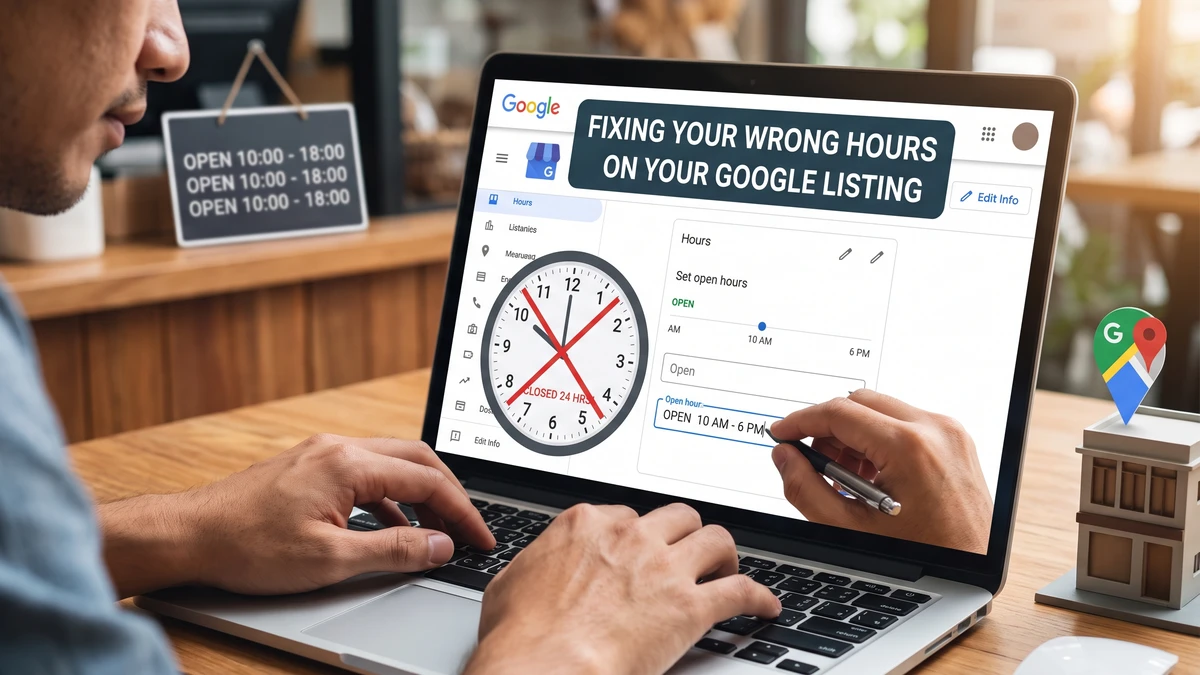
- Your listing says “permanently closed” or “temporarily closed” and you’re open.
- Your business name has extra words in it, like “Best Cheap Dentist Near Me.”
- New photos you never uploaded are showing up.
- Reviews are pouring in from accounts that were never your patients.
- You got an email from Google about a new owner or manager you don’t recognize.
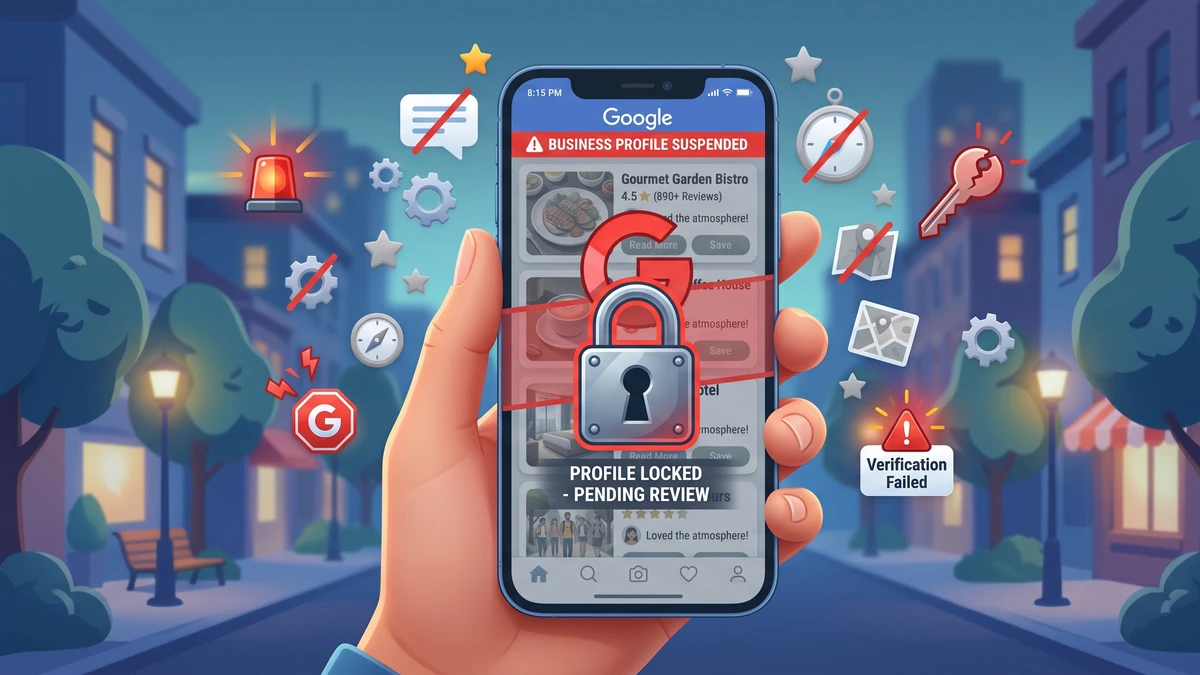
- You’ve suddenly lost access to your own profile.
The most common tell for a dental office is a mismatched phone number. Call your own Google listing from a cell phone. Does your front desk pick up? If a stranger answers, or it rings to a call center, you’ve likely been hijacked. Do this monthly.
A Fast 5-Minute Check You Can Do Right Now
Grab your phone and follow these steps:
- Search your practice name in Google. Look at the info box on the right (that’s your profile).
- Compare the phone number to your real one. Tap it and see who answers.
- Click your website link. Confirm it goes to your actual site.
- Check your hours and address against reality.
- Read your business name closely. It should be your real name, nothing extra.
- Scan your five most recent reviews. Recognize the names?
If anything looks wrong, don’t panic. Take screenshots. You’ll want proof of the changes when you contact Google.
Why Would Someone Hijack a Dental Practice’s Google Listing?
Money and patients. That’s almost always the motive. Your listing is valuable, and a few sneaky edits can redirect that value to someone else.
Here are the usual reasons it happens to dental offices:
- Lead-selling scams. Someone swaps your phone number for a tracking line, then sells those patient calls to another dentist or a marketing company.
- Competitor sabotage. A rival marks you “closed” or messes up your hours so new patients give up and call someone else.
- Fake review attacks. A batch of one-star reviews from fake accounts can tank your rating overnight.
- Old vendor access. A former marketing agency or web person still has manager access and makes changes you didn’t approve.
That last one is common and easy to overlook. When you part ways with a marketing vendor, you have to remove their access. If you don’t, they may still control your listing months later. Not always malicious, but still a problem.
What Should You Do First If Your Profile Was Hijacked?
Lock it down and document everything. Your first goal is to confirm you’re still an owner and to gather proof of what changed. Speed matters, but so does having a record.
Work through these steps in order:
- Take screenshots. Capture the wrong phone number, the fake reviews, the odd business name, whatever’s off. Note the date.
- Sign in to your profile. Go to Google and search “my business” while logged into the Google account you used to claim your listing. Or go to your profile in Search and look for the management options.
- Check the “Users” or “People and access” section. This shows everyone with owner or manager rights. Remove anyone you don’t recognize.
- Confirm you’re the Primary Owner. If someone else grabbed that role, you’ll need to request ownership back from Google.
- Fix the wrong info. Correct your phone, website, hours, and name right away if you still have access.
- Change your Google account password. If your account was breached, this stops further damage. Turn on two-step verification while you’re there.
If you can still log in and edit, you’re in decent shape. Fix the details, remove strange users, and move on to reporting. If you’re locked out completely, jump to the recovery section below.
How Do You Report and Recover a Hijacked Google Business Profile?
Report the changes to Google and, if you’ve lost access, request ownership through Google’s recovery process. It takes patience, but Google has tools built for exactly this.
To fix bad edits while you still have access:
- Open your profile and edit the incorrect fields back to the truth.
- For a wrong “permanently closed” status, edit it back to open. If Google won’t let you, use the “Suggest an edit” option and report the closure as incorrect.
- Flag fake reviews by opening the review, clicking the three dots, and choosing “Report review.” Report each fake one separately.
If you’ve been locked out or someone else claimed ownership:
- Search your business on Google and look for “Own this business?” or “Claim this business.”
- Follow the prompt to request access. Google will tell you the current owner has been notified.
- You may get a form asking for details. Fill it out fully and honestly.
- If the current owner doesn’t respond within about a week, you can often claim it yourself after verification.
- Verification usually means a postcard to your practice address, a phone call, or a video of your office. Have your signage, front desk, and equipment ready to film if asked.
Contact Google Business Profile support directly too. Search “Google Business Profile help” and look for the contact or chat option. Explain that your listing was hijacked, share your screenshots, and give your business details. Real humans handle these cases.
Recovery can take a few days to a couple of weeks. Keep records of every message. Don’t stop calling your own listing during this time so you catch any new changes fast.
How Can You Protect Your Google Business Profile From Being Hijacked Again?
Guard access, watch for changes, and keep your info locked in. Most hijackings succeed because no one was watching. A few simple habits close that gap.
Put these in place this week:
- Turn on two-step verification for the Google account that owns your listing. This is the single biggest thing you can do.
- Use a practice-owned email as the primary owner, not a staff member’s personal Gmail. When that person leaves, you don’t lose the listing.
- Audit your users quarterly. Check “People and access” and remove any vendor or ex-employee who no longer needs it.
- Assign one owner. The dentist or office manager should be the primary owner. Give others “manager” access instead.
- Set a monthly reminder to eyeball your listing. Phone, website, hours, name, recent reviews. Two minutes, once a month.
- Turn on notifications. Google can email you about suggested edits and new reviews. Read those emails instead of ignoring them.
Watching your phone number matters more than anything else on the list. A wrong number means every new patient call goes to a stranger. That’s lost revenue you never even see. If you want to know exactly how many calls your listing drives, our guide to call tracking setup for dental offices walks you through it without the tech headache.
And once those calls do come in, make sure your team is ready to book them. It’s a shame to protect your listing only to lose new patient calls at the front desk. Your Google Profile and your phone answering work as a team.
A Copy-Paste Message to Send Google Support
If you need to report a hijacking, here’s wording you can adapt:
“Hello, I’m the owner of [Practice Name], a dental office located at [Full Address]. Our Google Business Profile has been altered without our permission. The [phone number / hours / business name / status] was changed and no longer matches our real information. Our correct phone number is [XXX-XXX-XXXX] and our correct website is [yoursite.com]. I’ve attached screenshots showing the incorrect changes. Please help me restore accurate information and confirm I am the verified owner. Thank you.”
Keep it factual and short. Attach your screenshots. Include your practice phone and address so they can verify you quickly.
Frequently Asked Questions
Can a competitor really change my Google listing?
Yes. Google lets the public suggest edits to any business, including changing your hours or marking you closed. If Google accepts the edit, your listing changes without warning. That’s why you should check your profile monthly and correct anything wrong right away.
How do I know if the problem is a hijacking or just a Google glitch?
Look at what changed. A wrong phone number, a moved address, or a business name with extra keywords points to hijacking or a bad edit. A blank field or a display bug is usually a glitch. Either way, log in, fix the info, and check your list of users for anyone you don’t recognize.
How long does it take to recover a hijacked profile?
Usually a few days to two weeks. If you request ownership, Google gives the current owner about a week to respond before you can claim it. Verification by postcard or video can add a few more days. Keep records and follow up until it’s resolved.
Should I delete my profile and start over?
No. A brand-new listing loses all your reviews and your ranking history, which sets your practice back badly. Recovering the existing profile is almost always the better move, even if it takes longer.
My old marketing agency still has access. Is that a hijacking?
Not exactly, but it’s a real risk. Go to “People and access” in your profile and remove any vendor you no longer work with. Make sure the primary owner is a practice-owned email, not the agency’s. Do this every time you switch marketing help.
Get the Free Google Business Profile Safety Checklist for Dental Offices
Want a simple, printable checklist to audit and protect your listing in five minutes a month? We’ll send you our step-by-step Google Profile safety checklist, plus the exact message to send Google if something goes wrong. Made for busy dental teams, no marketing experience needed.