Social Media Content Without the Camera-Shy Dentist

So your dentist took one look at the idea of filming a TikTok and said “absolutely not.” You’re not alone. A huge number of dentists would rather do a two-hour molar extraction than talk into a phone camera.
Here’s the good news. You don’t need your dentist on camera to run a social media account that actually brings patients in. Some of the best-performing dental accounts barely show the dentist’s face at all.
This guide walks you through exactly how to create dental office social media content when the person at the top won’t go near a camera. Steps, scripts, a weekly plan, and real examples you can copy.
Do You Actually Need Your Dentist on Camera at All?
No. You don’t. Plenty of thriving dental practice social media accounts never feature a talking-head dentist video. Your patients don’t follow you for performances. They follow you because they want to trust the place that works on their teeth.
Trust gets built lots of ways. The front desk team being warm. A clean, calm office. Helpful answers to questions people are too embarrassed to ask. A dentist smiling in a photo is nice, but it’s not the thing that books appointments.
Think about what your patients are actually nervous about:
- Is this going to hurt?
- Are these people kind?
- Will they explain things or talk down to me?
- Is the office clean and modern?
You can answer every one of those without your dentist saying a word on video. Let’s get into how.
What Can You Post Instead of Dentist Videos?
Plenty. The best camera-free content shows your office, your team, your patients’ results, and answers to common questions. None of it requires the dentist to perform.
Here’s a working list you can pull from any week:
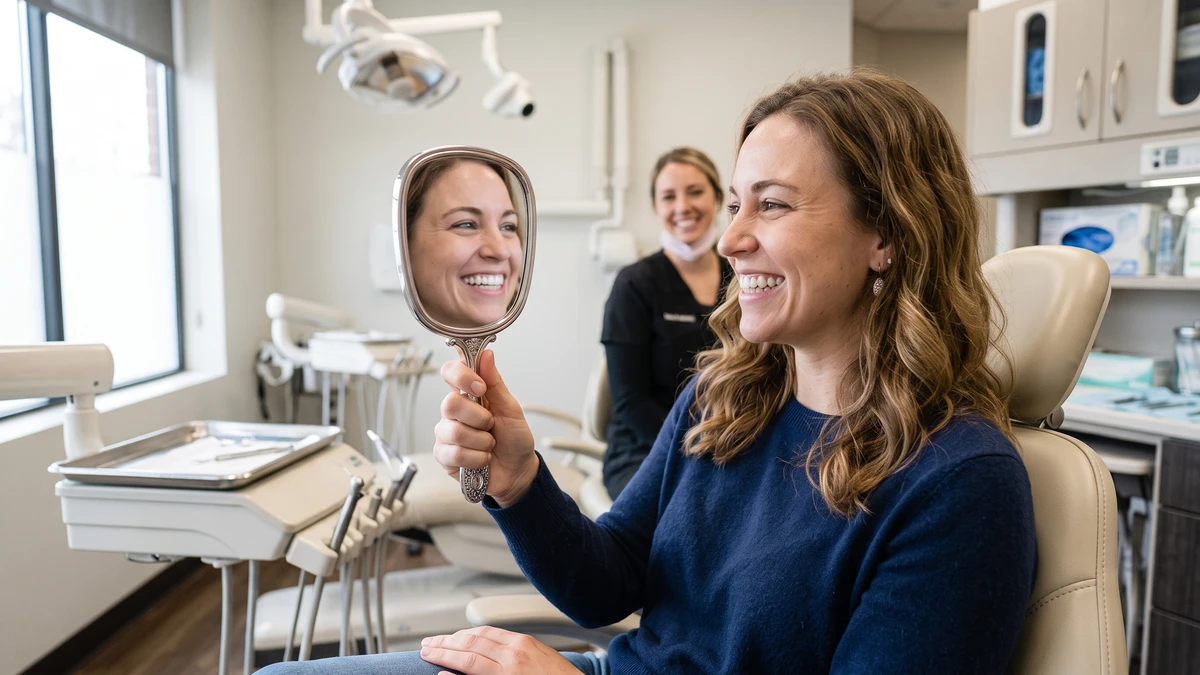
- Before-and-afters. With patient permission, a photo of a chipped tooth repaired or teeth whitened. These stop the scroll like nothing else.
- Team moments. Your hygienist’s birthday. The whole team in matching shirts. A new assistant’s first day.
- Office tour clips. A slow pan of a clean operatory, the comfy waiting room, the kids’ corner.
- Behind-the-scenes. Someone sterilizing instruments, a close-up of new equipment, the morning huddle.
- Patient questions answered. Simple text-on-screen videos or graphics. “Does whitening damage enamel?” “How often should I really floss?”
- Fun and seasonal. A Halloween candy buy-back, a “guess the tool” game, National Dentist Day.
- Reviews as graphics. Take a glowing Google review and turn it into a simple branded image.
Notice something? The dentist appears in none of these, and you’d never feel a gap. The hygienist, the assistants, and the front desk crew can carry the whole thing.
Who Should Be the Face of Your Content Instead?
Pick whoever is naturally comfortable and well-liked by patients. Usually that’s a hygienist or a chatty front desk person, not the owner. One or two “on-camera” team members is all you need.
You probably already know who it is. There’s always someone on staff who lights up a room and remembers every patient’s kids’ names. That person is gold for social media.
Before you hand them the job, make it official and make it worth their time:
- Ask them directly if they’d enjoy it. Don’t force a shy person into it.
- Give them a small stipend or an extra 30 minutes a week of paid time to do it.
- Make clear what’s okay to film and what isn’t (HIPAA, patient privacy, no faces without consent).
- Let them have a little fun with it. Stiff, scripted content flops.
If nobody wants to be on camera at all, that’s fine too. You can run a strong account entirely with photos, graphics, and text-on-screen videos where no face appears. More on that next.
How Do You Make Videos With No One On Camera?
Easy. You film hands, tools, the office, and results, then add text on the screen to tell the story. No face required. These “faceless” videos perform shockingly well because people are curious about what happens behind the scenes.
A few formats that work with zero face time:
- Hands-only clips. Film your assistant’s hands setting up a tray, polishing a model tooth, or prepping whitening trays. Add a caption like “POV: you’re about to get the brightest smile of your life.”
- Text-on-screen tips. A quiet clip of the office with words popping up: “3 foods that stain your teeth 👇”
- Satisfying process videos. A tooth being cleaned, scaling in action, a crown being placed on a model. People love oddly satisfying content.
- Screen-recorded carousels. A series of slides answering one question. No camera at all.
For editing, you don’t need anything fancy. CapCut is free, built for exactly this, and does captions automatically. If you want a tool that gives you templates and a content calendar in one place, Canva handles graphics, simple videos, and scheduling without any design skills.
Film in good light near a window, keep clips short (7 to 15 seconds), and let the captions do the talking.
What’s a Simple Weekly Posting Plan You Can Actually Stick To?
Keep it small and repeatable. Three posts a week is plenty for a dental practice. Trying to post daily is how most offices burn out and quit by week three.
Here’s a rotation you can run forever without running out of ideas:
- Monday – Helpful tip. One common patient question answered simply.
- Wednesday – Human moment. Team, office, or behind-the-scenes.
- Friday – Proof. A before-and-after, a review graphic, or a happy patient (with permission).
That’s it. Three posts, each one easy to make, none needing the dentist. To make this painless, batch your content. Set aside one hour, once a month, and shoot a bunch at once.
Here’s a quick batch-day checklist:
- Walk the office and film 5 short clips (operatory, waiting room, tools, hands at work, team wave).
- Snap any before-and-afters you’ve collected (with signed consent).
- Write out 4 patient questions you hear all the time.
- Grab 2 recent Google reviews to turn into graphics.
- Drop it all into your scheduler and set the dates.
One hour a month covers most of your posting. That’s the whole trick.
How Do You Get Before-and-After Photos Without Awkwardness?
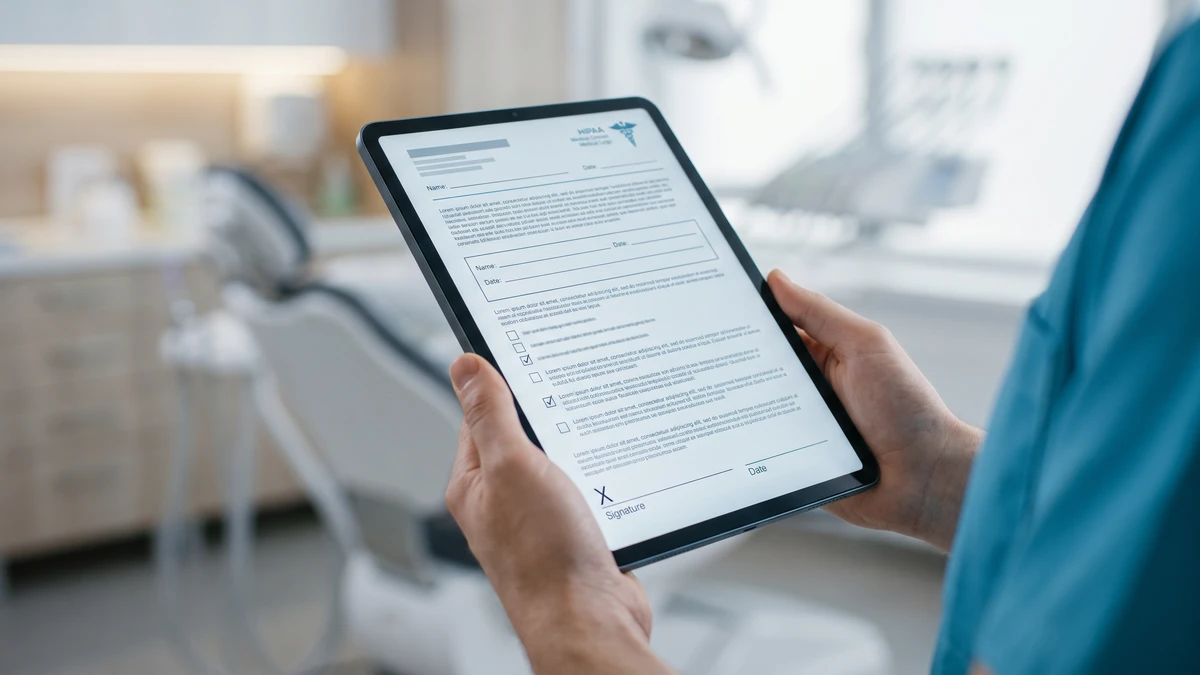
Build it into the appointment. Ask at the start, snap the “before” when you normally would, and grab the “after” before they leave. Have a simple consent form ready so it never feels like an afterthought.
These photos are your single best content. A real result from a real patient does more than any stock image ever will. But you have to get the permission part right.
Here’s a short consent script your team can use:
“Your results came out great! We’d love to share a photo of your smile on our social media to help other patients see what’s possible. We’d only show your teeth, never your name or face unless you’re comfortable. Would that be okay? I’ve got a quick form if so.”
Keep a signed photo-release form on file for anyone who says yes. Store the photos securely and never post a patient’s face without explicit written consent. When in doubt, crop to just the smile.
What Do You Post When You’ve Got Nothing New to Share?
Fall back on evergreen content. These are posts that work any time of year and answer questions patients always have. Keep a running list so you’re never staring at a blank screen.
Steal these prompts whenever you’re stuck:
- “How often should you really replace your toothbrush?”
- “What’s the difference between a cleaning and a deep cleaning?”
- “Why do my gums bleed when I floss?”
- “Is charcoal toothpaste actually safe?”
- “What to do if you knock out a tooth”
- “Why we take X-rays (and how little radiation it really is)”
- “5 signs you might be grinding your teeth at night”
Each one becomes a text-on-screen video, a carousel, or a simple graphic. No dentist, no face, no stress. Answer the questions your patients actually ask at the chair and you’ll never run dry.
Does Social Media Even Help Bring in New Patients?
It helps, but it works best alongside the basics that actually drive new patient calls. Social media builds trust and keeps you top of mind. It rarely makes someone book on the spot the way search does.
Be honest with yourself about where new patients come from. Most people looking for a new dentist search Google and click the map. So before you pour hours into Instagram, make sure the fundamentals are handled. If you’re not showing up on the map, that’s a bigger leak than your posting schedule. Here’s how to fix it if your dental practice isn’t in the Google Map Pack.
And when social media does spark a call, that call has to be answered well. It’s a shame to build momentum online and then lose the lead at the phone. Tighten that up with these tips on how to stop losing new patient calls.
Think of social media as the handshake, not the appointment. It makes people feel good about you so that when they’re ready, you’re the obvious choice.
How Do You Keep This Going Without Burning Out?
Make it one person’s small, defined job, batch the work, and schedule it in advance. The offices that keep posting are the ones that made it boring and systematic, not the ones running on motivation.
A few guardrails that keep the wheels on:
- Assign an owner. One person is responsible. Not “the team.” One name.
- Use a scheduler. Load a month of posts at once so nobody’s scrambling on a Friday.
- Keep a content bank. A folder of clips, photos, and review screenshots you can pull from.
- Lower the bar. A slightly imperfect post that goes out beats a perfect one that never does.
- Review quarterly. Once every three months, look at what got the most saves and comments. Do more of that.
You’re running a dental office, not a media company. Three good posts a week, made in a monthly batch, carried by your team and your patients’ results. That’s a real, sustainable account. And your camera-shy dentist never has to say a word.
Frequently Asked Questions
What should a dental office post if the dentist refuses to be on camera?
Post before-and-after photos, team moments, office tours, behind-the-scenes clips, patient-question graphics, and reviews turned into images. None of these need the dentist. A comfortable hygienist or front desk staffer can be the face instead, or you can run faceless videos using hands, tools, and text on screen.
How often should a dental practice post on social media?
Three times a week is plenty and far more sustainable than daily. A simple rotation works well: a helpful tip, a human or behind-the-scenes moment, and a proof post like a before-and-after or review. Batch a month of content in one hour and schedule it ahead.
Do I need patient consent to post before-and-after photos?
Yes. Always get written consent before posting any patient photo, and keep a signed photo-release form on file. Only show teeth unless the patient agrees to show their face. When in doubt, crop tightly to the smile and store all photos securely to stay HIPAA-compliant.
Which free tools make dental social media easier?
CapCut is great for quick videos with auto-captions and requires no editing skills. Canva covers graphics, simple videos, and post scheduling in one place with ready-made templates. Both are beginner-friendly and let one team member handle content without a designer.
Will social media actually bring in new dental patients?
It helps build trust and keeps you top of mind, but it rarely drives bookings on its own. Most new patients find you through Google search and the map. Make sure your Google presence and phone answering are solid first, then let social media reinforce that good first impression.
Grab Our Free Camera-Free Content Pack for Dental Offices
Get 30 ready-to-use post ideas, a photo-consent script, and a plug-and-play weekly posting plan built for practices where nobody wants to be on camera. Everything you need to start posting this week without the dentist.