Posting Patient Before & After Photos on Instagram

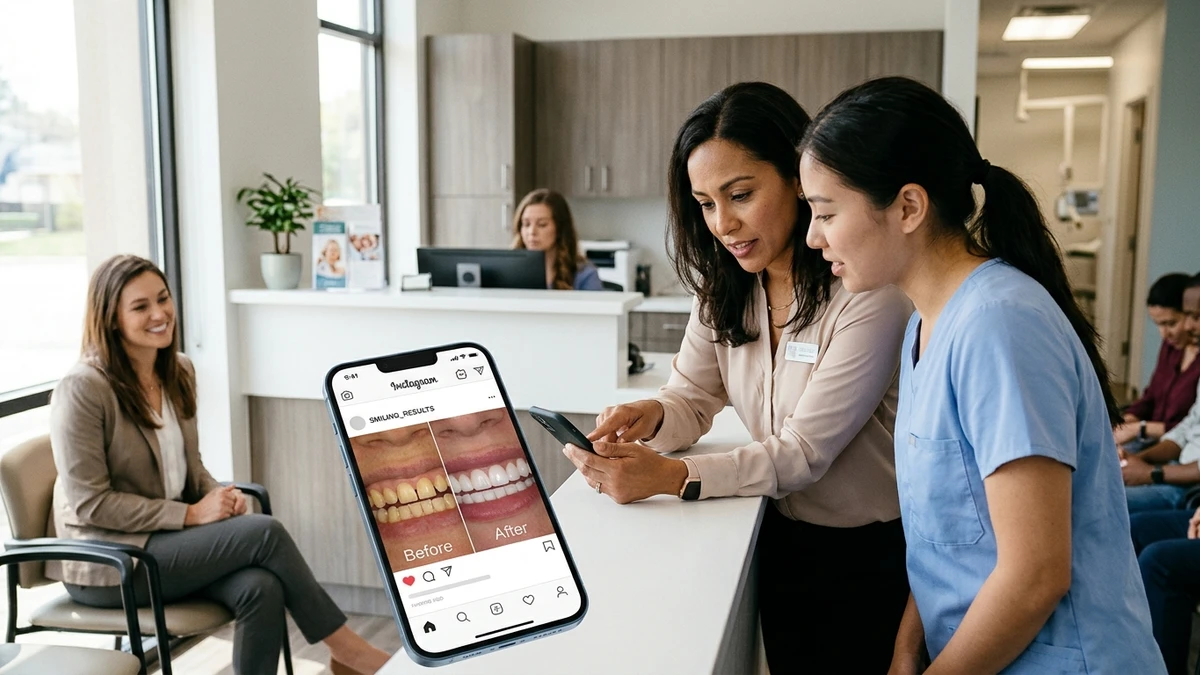
Those before-and-after shots are your best marketing. A crooked smile turned straight. Stained teeth now bright. Nothing sells dentistry like proof. But before you hit post, you’ve got a real question on your hands: is this even allowed?
Short answer? Yes, you can post patient before and after photos on Instagram. But only if you do it right. HIPAA (the federal law that protects patient privacy) treats those photos as protected health information. That means you need the patient’s permission in writing before anything goes public.
Let’s walk through exactly how to do it safely, with a consent form you can copy and a checklist you can keep by the front desk.
Does HIPAA Actually Apply to Instagram Photos?
Yes. The moment a photo is connected to an identifiable patient, it counts as protected health information under HIPAA. A before-and-after smile photo clearly ties to a specific person who received treatment at your office. That makes it off-limits to share publicly without written consent.
Here’s the part people miss: it’s not just about the face. A photo can identify someone even without their eyes in the shot. A distinctive tattoo, a visible birthmark, or a caption like “this patient drove two hours from Smalltown” can all point back to one person.
So the rule is simple. If a patient could be identified, you need their written okay before it goes anywhere public. Instagram, Facebook, your website, a printed flyer in the waiting room. All of it.
What Does Proper Patient Photo Consent Look Like?
Proper consent is written, specific, and signed by the patient before you post. A verbal “sure, go ahead” in the chair isn’t enough. If a privacy complaint ever landed on your desk, a thumbs-up you can’t prove won’t help you.
A solid photo consent form should spell out these things clearly:
- Exactly what photos are being taken (intraoral, full face, smile only)
- Where you plan to use them (Instagram, Facebook, website, ads, printed materials)
- That the patient can say no with zero effect on their care
- That they can withdraw consent later, and what happens when they do
- Whether their name or any details will appear
- A signature and a date
Keep the signed form in the patient’s chart. Treat it like any other important document. If the consent only covers your website, you can’t suddenly run it in a paid Instagram ad without going back for new permission.
A Copy-Paste Photo Consent Form You Can Use Today
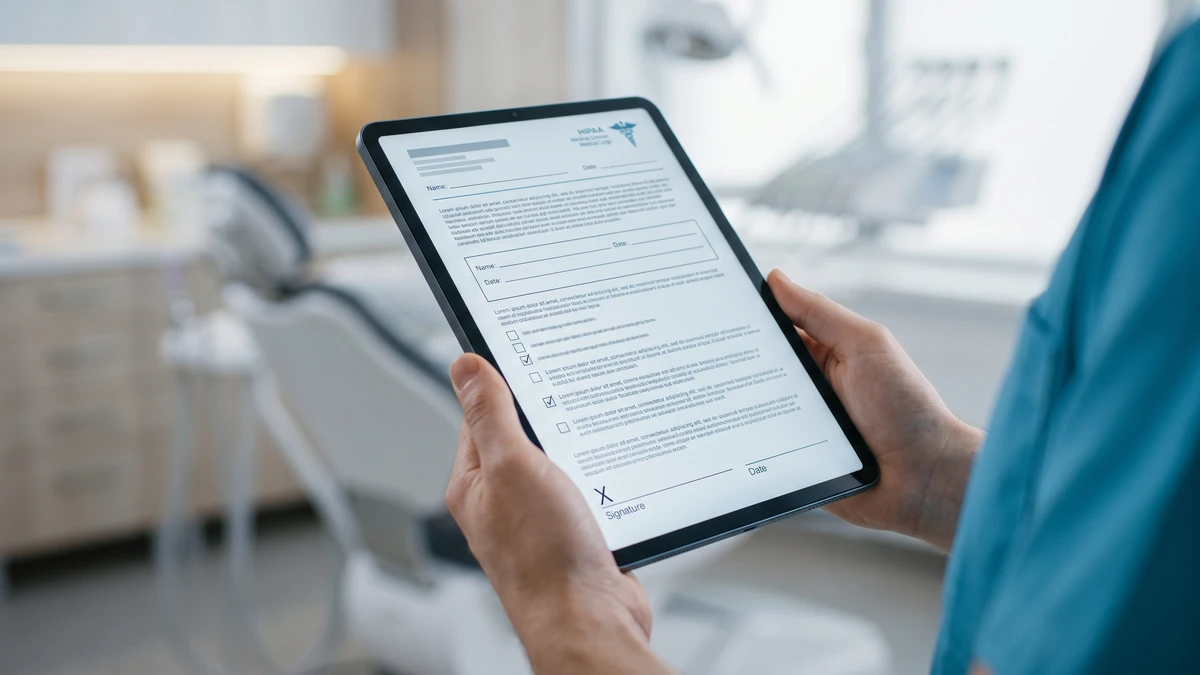
Here’s a plain-language template to get you started. Have your attorney give it a quick read before you roll it out, since state laws can add their own rules.
Patient Photo & Media Consent
I, _____________________ (patient name), give [Practice Name] permission to take photographs and/or video of my teeth, smile, and face before, during, and after dental treatment.
I understand these images may be used for (check all that apply):
[ ] The practice website [ ] Instagram [ ] Facebook [ ] Paid online ads [ ] Printed materials in the office
I understand that:
• I do not have to agree, and my care will be exactly the same either way.
• I can withdraw this consent in writing at any time. The practice will stop using the images going forward, though it may not be able to recall materials already printed or shared.
• My name will / will not (circle one) be used alongside the images.
Patient signature: _____________________ Date: __________
Witness (staff): _____________________ Date: __________
Simple, clear, and it protects both of you. That’s the goal.
Can I Just Blur the Face Instead of Getting Consent?
Blurring or cropping out the face helps, but it doesn’t automatically get you off the hook. HIPAA cares about whether a person is identifiable, not just whether you see their eyes. If anything in the photo could point back to that specific patient, you still need consent.
That said, a tightly cropped intraoral photo (just the teeth and gums, nothing else) is much lower risk. There’s no face, no background, no identifying detail. Many practices post these without issue.
Even so, I’d still recommend getting written consent for every clinical photo you post. It’s a 60-second ask. And it turns a gray area into a clear yes. Why gamble on “probably fine” when you can have “definitely fine” for the cost of one signature?
How Do I Actually Ask a Patient for Permission?
Ask in person, right after you’ve taken the photo and the patient is thrilled with their result. That’s the moment they’re most likely to say yes. Keep it casual and low-pressure.
Here’s a script your clinical team or front desk can use word for word:
“Your results came out great. We’d love to share before-and-after photos like these on our Instagram to help other people see what’s possible. Totally your call, and it won’t affect anything with your care. If you’re open to it, I’ve got a quick form that lets you pick exactly where we can use them. Want to take a look?”
Notice what that script does. It compliments the result. It explains why. It makes clear the patient is in control. And it hands them the form instead of asking for a vague verbal yes.
If they hesitate, let it go cheerfully. A pushy ask can sour a good visit. Something like: “No worries at all! Just wanted to offer.” Then move on.
What Should I Never Include in a Patient Photo Post?
Even with signed consent, some details should never make it into your caption or image. Consent covers the photo, not a free pass to share private medical history. Keep the post about the smile, not the person’s chart.
Stay away from:
- Specific diagnoses or conditions (“after we treated her severe periodontal disease”)
- The patient’s last name, workplace, or neighborhood
- Insurance or payment details
- Anything they shared in confidence during the visit
- Tagging the patient’s personal account without separate permission
A safe caption focuses on the treatment and the outcome in general terms. For example: “Six months of clear aligners, one confident new smile. Swipe to see the before. 👉” No name, no medical backstory, no risk.
One more thing. Don’t repost a patient’s own selfie or story mention without asking first. They shared it on their account, not yours. A quick DM asking “Mind if we share this on our page?” keeps you clean.
Where Should I Store and Track These Consents?
Store every signed consent form in the patient’s record, same as a treatment note. The key is being able to find it fast if someone ever asks. A photo without a matching, locatable consent form is a problem waiting to happen.
Build a simple tracking habit so nothing slips:
- Scan the signed form into the patient’s chart the same day.
- Note which platforms they approved (website only? Instagram too?).
- Keep a running list of which photos are posted where, so you can act fast if consent gets withdrawn.
- Before any new campaign, check that your consent actually covers that use.
If a patient withdraws consent, pull the photo from your own accounts right away and log the date you did it. You can’t un-ring every bell on the internet, but you can show you acted promptly and in good faith.
Managing your online presence well goes beyond photos, of course. If you’re already juggling your visibility in the Google Map Pack and your social accounts, a clean consent system is one more piece of keeping the whole thing tidy and defensible.
What Makes a Before-and-After Post Actually Perform Well?
Great compliance is step one. Great content is step two. A legally safe photo that’s blurry, poorly lit, or shot at a weird angle won’t do your practice any favors.
A few things separate the posts that get saved and shared from the ones that get scrolled past:
- Consistent lighting and angle. Shoot the before and after from the same spot so the comparison feels honest.
- Clean background. No clutter, no random staff in the frame, no reflections of your phone.
- Good framing. Fill the frame with the smile. Crop out distractions.
- A short, human caption. Say what the treatment was in plain terms and how the patient felt.
- A clear next step. End with something like “Ready for your own? Tap the link to book a consult.”
And here’s a tip most offices forget. The goal of the post isn’t just likes. It’s getting someone to pick up the phone or book online. Make sure your caption or bio points to an easy way to reach you. If your phones aren’t set up to catch those calls, you can do everything right on Instagram and still lose the lead. It’s worth reading up on how to stop losing new patient calls so your social wins turn into booked appointments.
Do I Need a Model Release for Minors or Staff Photos?
Yes on both counts. For any patient under 18, a parent or legal guardian must sign the consent form, not the child. For staff who appear in photos or videos, get a separate written release so they agree to appear in your marketing.
Kids’ orthodontic transformations make fantastic content. Just make sure the signature on the consent form belongs to the parent or guardian, and that it covers every platform you plan to use. Same rules apply: no last names, no school names, nothing that pins down the child.
Staff releases are often overlooked. Your hygienist might be happy to appear in a Reel today. But if she leaves on bad terms next year, a signed release protects you from a headache. Collect them during onboarding so it becomes routine.
Frequently Asked Questions
Is verbal consent enough to post a patient’s photo?
No. Verbal consent is risky because you can’t prove it later. HIPAA expects documented permission for sharing identifiable patient images. Always get a signed, dated consent form that lists exactly where the photos will be used, and keep it in the patient’s chart.
Can I post an intraoral photo with no face showing without consent?
A tightly cropped teeth-only photo is low risk, but it can still identify someone in rare cases. The safe move is to get written consent for every clinical photo you post. It takes under a minute and removes all doubt.
What happens if a patient asks me to take their photo down later?
Remove it from your own accounts right away and log the date you did it. You can’t recall photos others already saved or shared, but acting fast shows good faith. Note the withdrawal in the patient’s record alongside the original consent form.
Do I need a new consent form to use a photo in a paid ad?
If your original form didn’t list paid ads as an approved use, yes. Consent only covers the specific uses the patient agreed to. Before launching any ad with patient photos, double-check the signed form covers advertising, or go back and get fresh permission.
Can I repost a patient’s own before-and-after selfie?
Only with their permission. A photo they posted on their own account is still theirs, not yours to reuse. Send a quick direct message asking if you can share it on your page. Most happy patients say yes, and now you have it in writing.
Grab Our Free Patient Photo Consent Kit
Want the full consent form, the ask-for-permission script, and a posting checklist in one ready-to-use file? We’ll send you a free Patient Photo Consent Kit you can print and start using at the front desk this week.